The AI Wedding
Filmmaker Toolkit
Practical AI workflows, prompt formulas, and creative ideas for wedding filmmakers. The goal is not to replace the filmmaker. It is to give you more options when a wedding day gives you footage you cannot reshoot.
Download once, open in any modern browser, and use the toolkit offline. No installation required.
Get the real moment whenever you can.
Use AI when something went wrong or needs continuity.
Create only what is genuinely missing or intentionally fictional.
The Framework
Weddings are real, emotional, and unrepeatable. AI is most useful when it supports those realities instead of competing with them.
Capture → Repair → Generate
Relight Footage
Preserve the shot you captured while changing the conditions around it — especially for a handful of hero shots where timing or weather did not cooperate.
When to use it
In the tutorial, golden hour faded before the couple session. The framing, performance, location, and movement were good — only the light needed help.
 Kling • Video-to-Video
 Google Omni Flash • Video-to-Video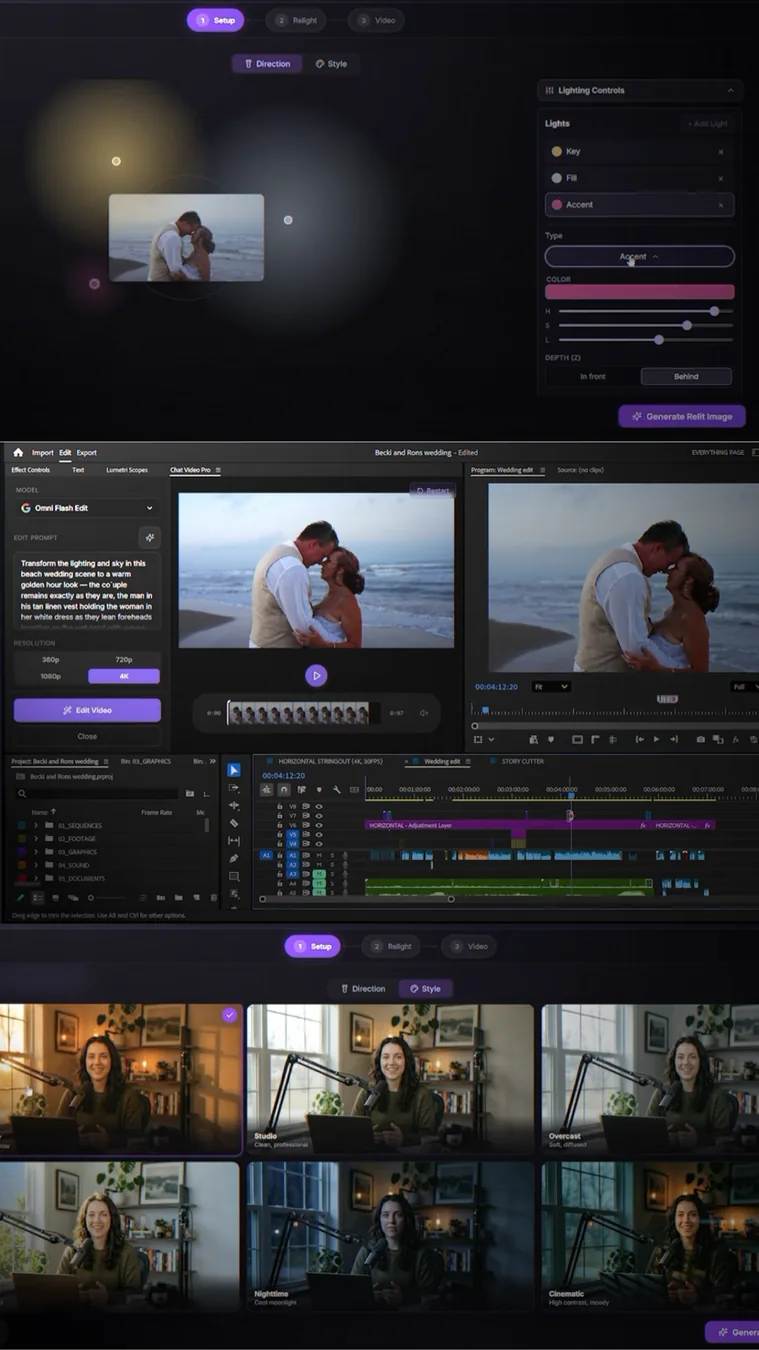
Recover Missing B-Roll
Sometimes the shot genuinely does not exist. You missed the detail, never flew the drone, lost a camera, or ran out of time. This is where generation can act like insurance.
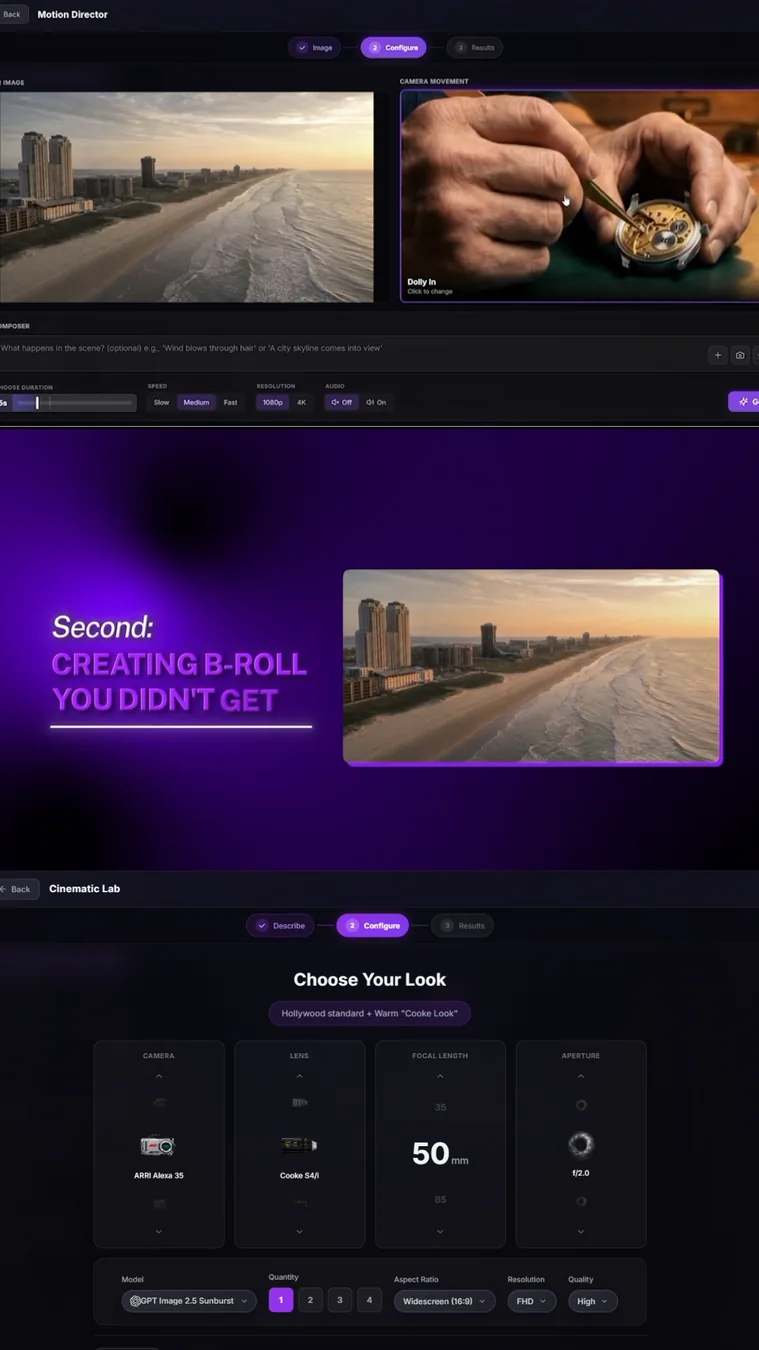
A reliable three-step pipeline
Kling SeedanceGoogle Omni
Repair Dialogue
Wedding dialogue is emotionally important and impossible to recreate authentically after the fact. Voice generation is most defensible when it repairs an obvious mistake without changing meaning.
The repair workflow
 ElevenLabs • Voice Cloning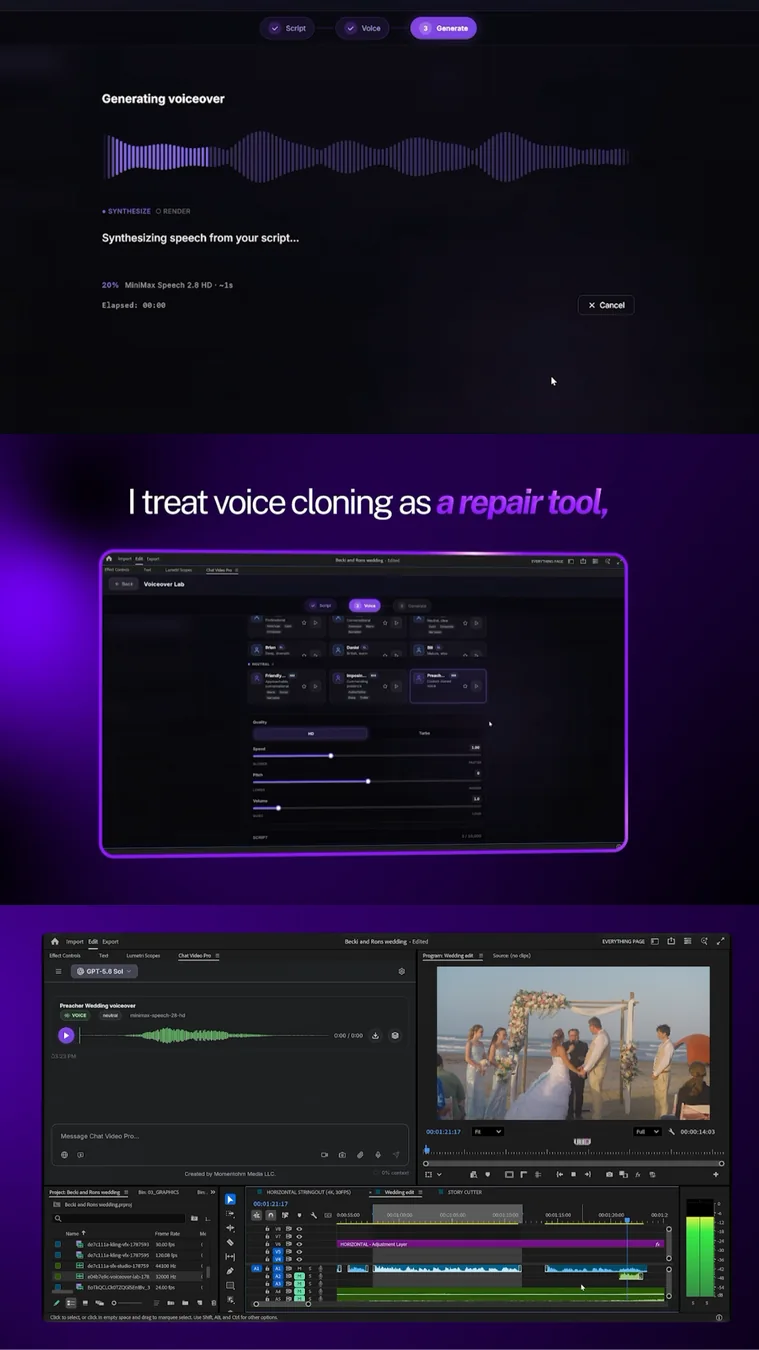
Sound That Hides the Edit
Some of the highest-value AI work is almost invisible. Ambience, room tone, and subtle Foley can make heavily edited ceremony audio feel continuous again.
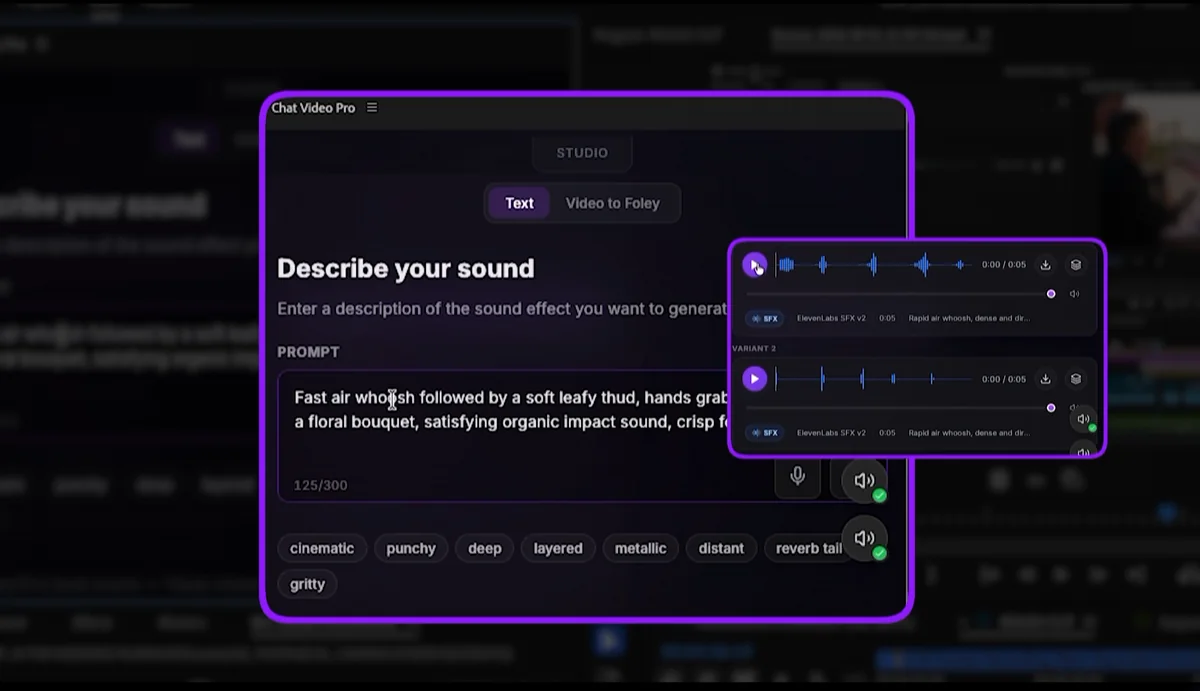
Useful wedding sounds
Room tone, beach ambience, footsteps, fabric movement, applause, waves, crowd beds, bouquet catches, interior air, distant traffic, or any small sound that helps an edit feel continuous.
ElevenLabs SFXCassette SFXSonilo SFXUse AI as a Story Collaborator
You do not need to hand the whole edit to AI. One of the most useful roles is generating alternate story structures, opening ideas, or ways to shape long dialogue.
Ask for options, not authority
In the tutorial, Story Cutter suggested opening on the vows. That idea stayed; the editor still made the final decisions.
Worse: “Make every editorial decision for me.”
 GPT
GPT ClaudeGemini
 Grok
Grok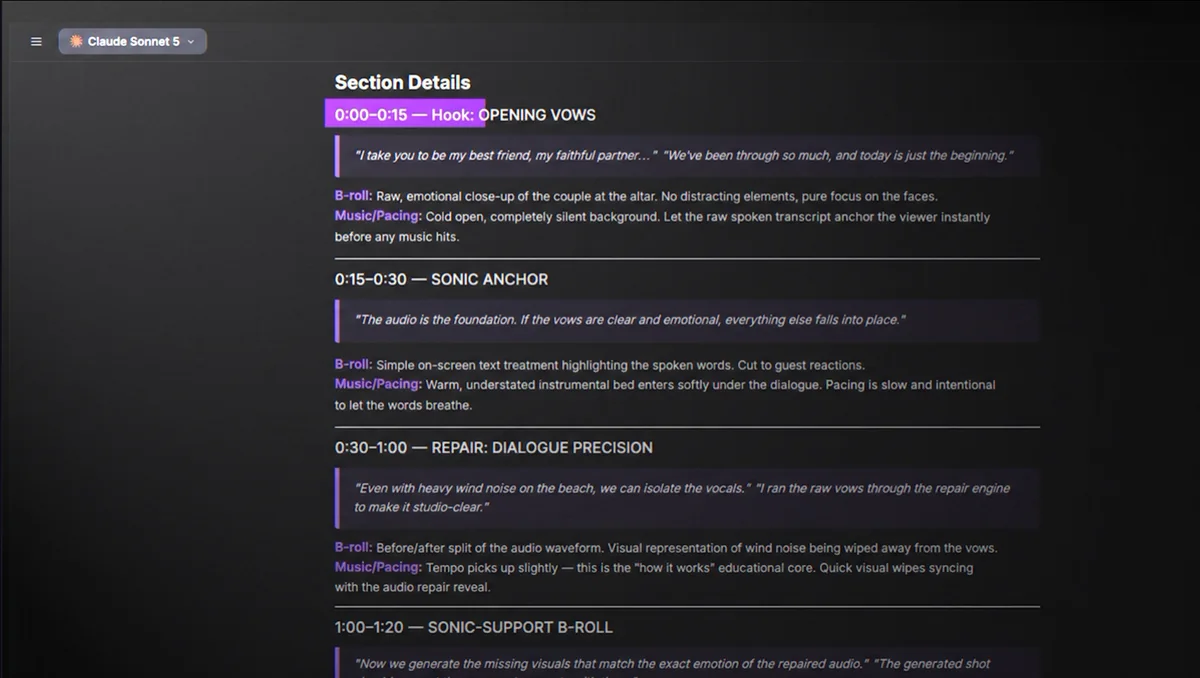
Create a Bonus Deliverable
When everyone understands it is fictional, generation can become the creative point rather than a repair. Think custom post-credit scenes, genre shorts, or surprise films built around the couple’s personality.
The three-part pipeline
What AI Should Not Do
Wedding films have a different trust standard than ads, music videos, or fictional projects. Enhancement should preserve the truth of the event.
Production-Ready Prompt Library
Model-agnostic templates you can use in almost any AI platform. Scan by task, open the prompt you need, replace the bracketed variables, and copy it into your tool of choice.
Fix What You Captured
Preserve the real footage while correcting lighting, continuity, ambience, or missing sound.
›
Relight a Shot Without Changing the Scene
Change the lighting while preserving the original cinematography.
Video / V2V
Relighting
›
Enhance Footage Without Redesigning It
Fix one visual problem while locking everything else.
Video / V2V
Cleanup + Effects
›
Generate Seamless Room Tone / Ambience
Create a consistent environmental bed to hide dialogue edits.
SFX
Audio Continuity
›
Generate Specific Foley
Create a natural, physically believable sound for one action.
SFX
Foley
Create Missing Coverage
Generate shots that match your existing project instead of looking like unrelated AI footage.
›
Make a Generated Shot Match Existing Footage
Create new coverage that feels like it belongs in the same film.
Image / Video
Continuity
›
Generate a Missing Establishing Shot
Build location coverage you did not capture on the day.
Image / Video
Establishing Shot
›
Generate a Missing Detail Shot
Create a close insert that matches the project’s visual language.
Image
Detail B-Roll
›
Animate a Still Photograph Naturally
Turn a photo into a subtle moving shot without morphing the subject.
Image-to-Video
Photo Animation
›
Create a Camera Move From a Reference Image
Direct the virtual camera while preserving the source frame.
Image-to-Video
Camera Motion
Think Like an Editor
Use general-purpose LLMs to explore structure, identify missing coverage, and help you get unstuck.
›
Build 3 Story Structures From a Transcript
Use an LLM as an editorial collaborator without inventing dialogue.
LLM
Story Structure
›
Find Missing Coverage Before You Finish the Edit
Identify B-roll, inserts, or transitions that would strengthen a rough cut.
LLM
Coverage Audit
Optimize Any Rough Idea
Turn a simple request into a more complete generation prompt before sending it to an image or video model.
›
Turn a Rough Idea Into a Production-Ready Prompt
Convert a simple request into a structured image or video generation prompt.
LLM
Prompt Optimizer
Do It Without Leaving Premiere
Everything in this toolkit can be approached manually with separate AI tools. Chat Video Pro is designed to remove the friction between the workflow and the edit.
Keep the creative decision-making in the timeline.
Instead of exporting frames, jumping between websites, rebuilding prompts, downloading generations, and importing everything back into Premiere, Chat Video Pro brings image, video, voice, sound, and editorial AI into the editing environment.
The goal is not “AI instead of editing.” It is faster access to more creative and recovery tools while you stay the editor.
 Adobe Premiere ProImage + Video + Voice + SFX + Story AI