Welcome to Chat Video Pro!
Watch the setup video below to activate your AI editing copilot.
STEP-BY-STEP SETUP
STEP 1 Download Chat Video Pro
Check your email → open your receipt → click View Order. From there, download:
- Chat Video Pro Installer (.zxp file)
- aescripts + aeplugins ZXP Installer (Mac or Windows)
STEP 2 Install the Plugin
Open the aescripts + aeplugins ZXP Installer
- Drag Chat Video Pro.zxp into the window
- Click Install
- Open Premiere → Window → Extensions → Chat Video Pro

STEP 3 Activate
A) Activate Your License
Copy your license key from your receipt → paste → Next.
B) Create Your FAL Key
- Click Get FAL Key
- Sign in with your Google account
- Click Create Key
- Copy → Paste inside Chat Video Pro
- Add funds ($10–$20 recommended)
YOU'RE READY TO CREATE
Your AI editing copilot is fully activated. You now have:
- AI Video Models
- Upscaler Tools
- Canvas Editor
- ChatGPT Assistant
- Story Cutter
- All inside your Premiere timeline
 +
+
Join the Discord Community
- Connect with other creators using Chat Video Pro
- Fastest way to get technical support directly from the team
- Be the first to hear about new models and feature updates
Master Your Workflow
Explore the official documentation and become a power user.


⚡ Skip the Learning Curve
You just unlocked a powerful tool. A Founder Onboarding Session gets you running in 60 minutes — custom workflow, your niche, inside your Premiere timeline. No trial and error.
Add a Founder Session — $297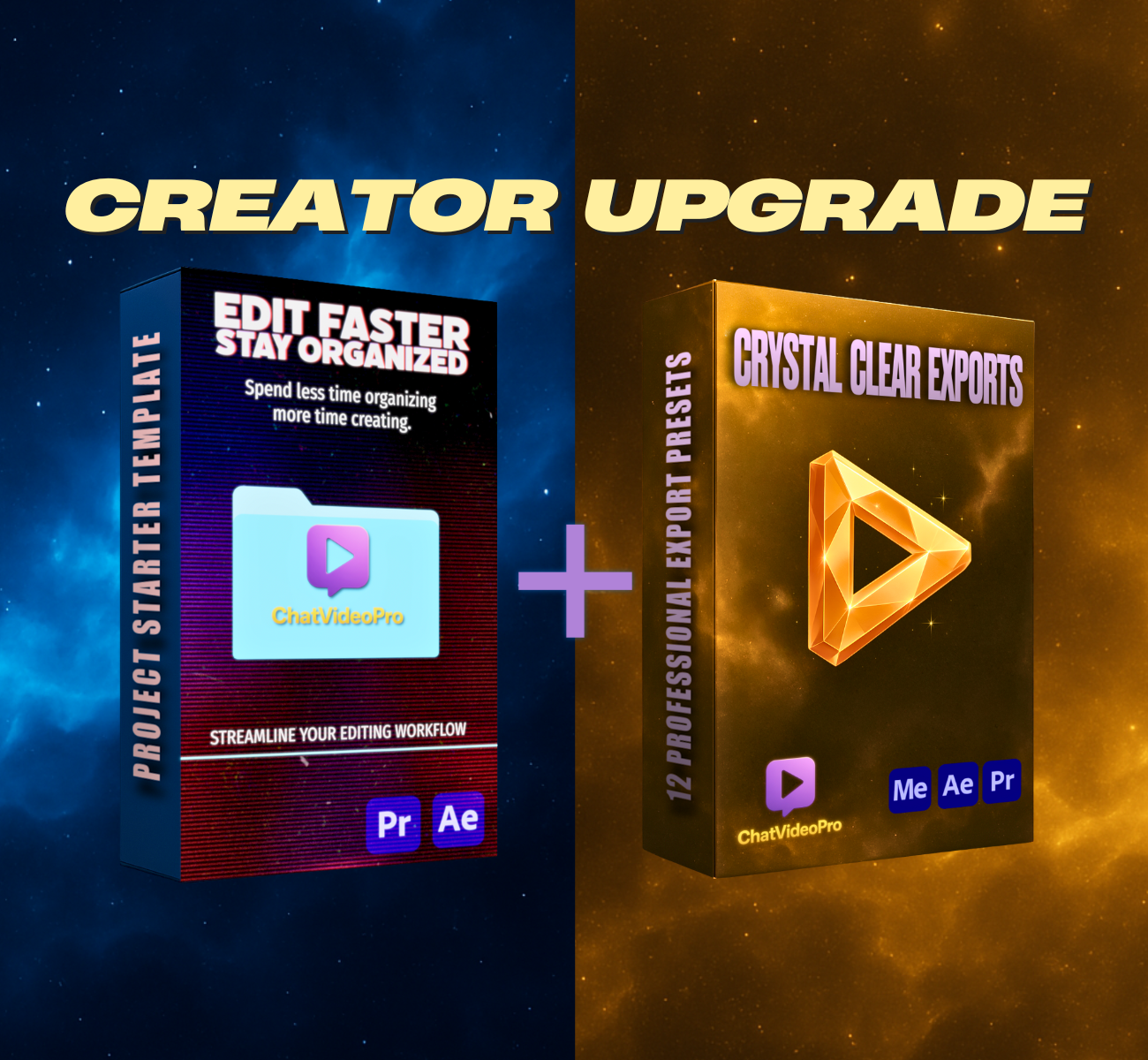
✨ Upgrade to the Creator Bundle — 20% Off
Unlock professional export presets + full workflow system.
Use code UPDATE20 at checkout.
Get the Creator UpgradeFrequently Asked Questions
Everything you need to know about Chat Video Pro.
Where do I download Chat Video Pro?
Your download link is in the View Order page inside your purchase email.
Just open your email → click View Order → and you’ll see both:
- Chat Video Pro ZXP
- The Plugin Manager (Mac + Windows)
If you can’t find the email, check your Promotions or Spam folder.
How do I install the ZXP file?
Just open the installer you downloaded, then drag the Chat Video Pro.zxp file into it.
If you prefer a different installer, you can also use:
I don’t see Chat Video Pro inside Premiere.
After installing, restart Premiere and open it here:
Window → Extensions → Chat Video Pro
Make sure you're using Premiere Pro 2024 or newer.
Where do I paste my API key?
Right after you activate your license, the panel will prompt you.
You’ll see:
"Connect your FAL key" → paste your key → Continue
You can always update your key later inside the settings icon.
How do I add funds for video generation?
Inside Chat Video Pro:
- Click the gear icon
- Click See Balance
- Add funds inside your FAL dashboard
Or go directly to:
👉 https://fal.ai/dashboard/usage-billing/credits
Remember: no subscription, no upcharges — pay only for what you generate.
Do I need a subscription?
No. Chat Video Pro is a one-time purchase.
You only pay FAL for whatever you generate, at raw market cost — the cheapest way to generate AI videos.
My license key won’t activate.
A few quick things to check:
- Make sure the key is copied with no extra spaces
- Make sure you're connected to the internet
- Disable any VPN while activating
- Restart Premiere
If you still need help, email us at Chat Video [email protected] and we’ll get you set up quickly.
Where can I get support?
You have two options:
- 📧 Chat Video [email protected]
- 💬 Join the Discord community (link on the setup page)
We're happy to help with anything!

🛡️ 7-Day Money-Back Guarantee
If Chat Video Pro doesn’t save you hours every week and make your workflow noticeably faster, we’ll refund you instantly.
No subscription. No contracts. Yours forever.