
Paid upgrade for Chat Video Pro
Add the audio department to the panel you own.
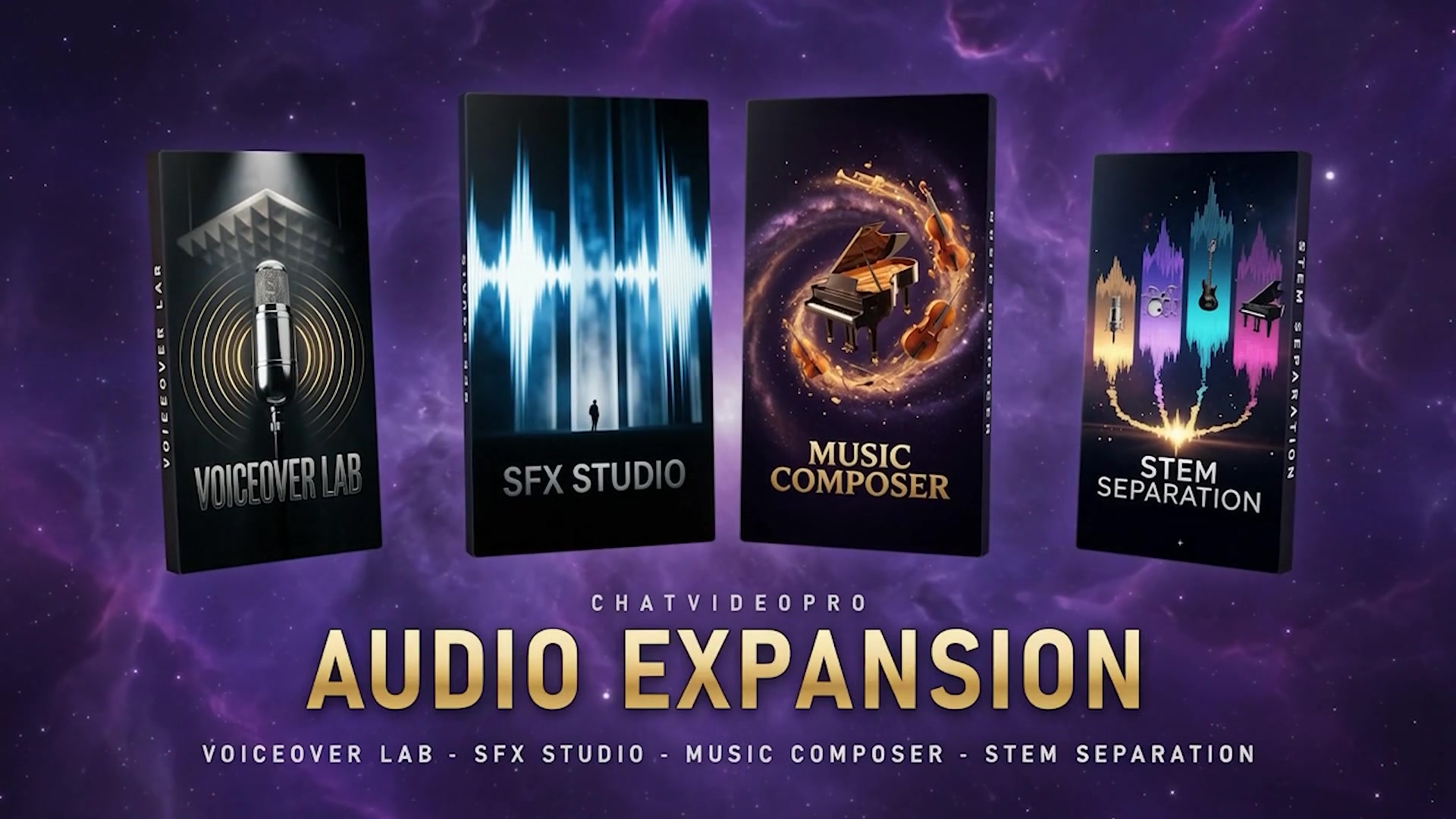
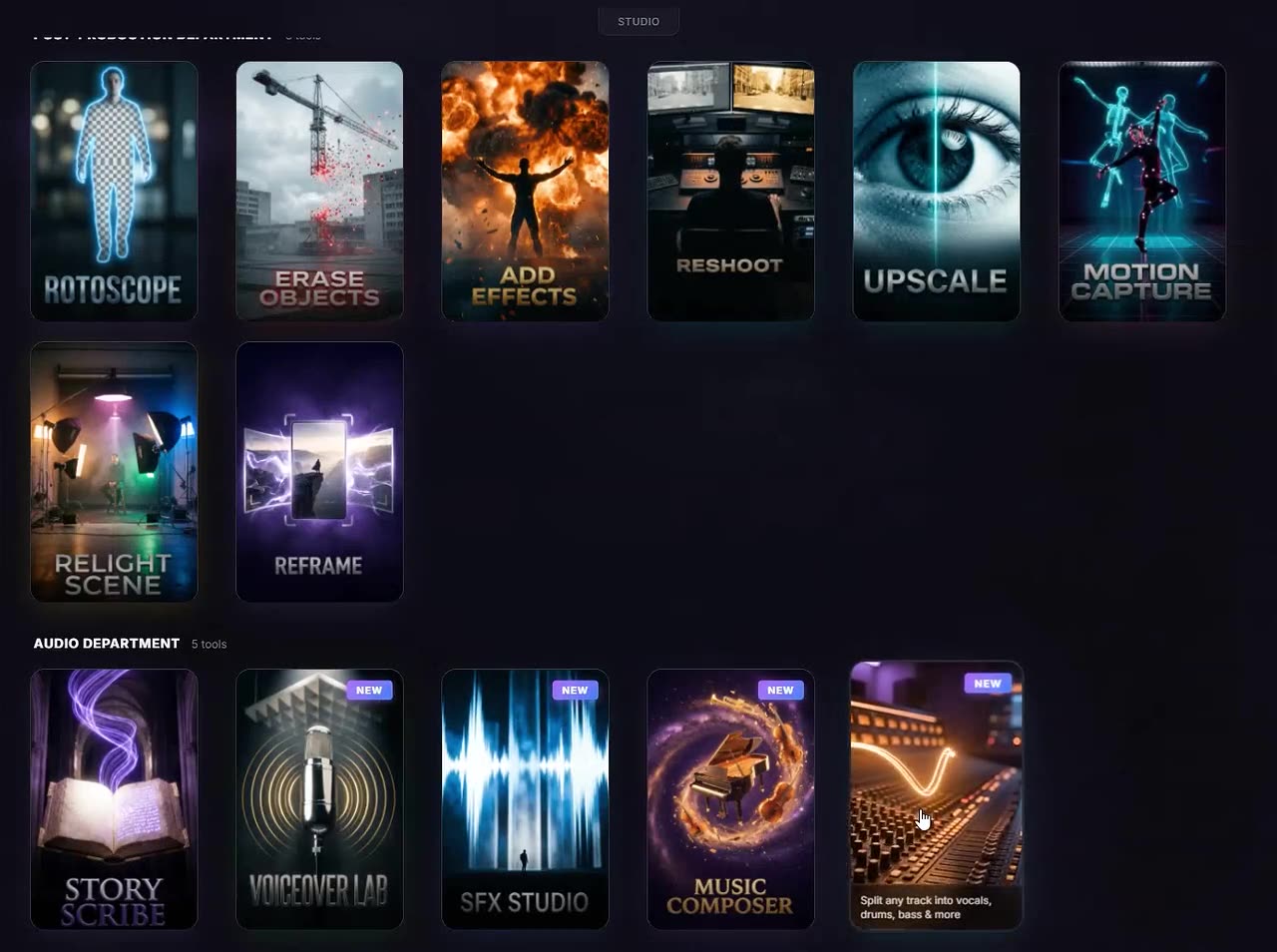
Voiceover, SFX and Foley, custom music, and stem separation—generated from the same editing workspace.
Requires Chat Video Pro. Included with Creator Bundle and active Creator Pass subscriptions.
WATCH THE FULL WORKFLOW
Watch a complete sound pass get built inside Premiere.
Music, Foley, voiceover, and stems—from the first cue to the finished reveal.
STOCK LIBRARY OR DIRECTED AUDIO?
Stop searching. Start directing.
Stock libraries help you search what already exists. Audio Expansion lets the footage, transcript, or direction shape the result.
THE CUT NEEDS
A cinematic whoosh for the title hit.
SCROLL THE CATALOG
PROMPT THE SOUND
Prompt
cinematic whoosh sound
- Cinematic whoosh A✓
- Title whoosh, long tail✓
- Soft whoosh, stereo✓
You still choose the take. You skip the catalog hunt.
Stock libraries still win when a known catalog asset already fits.
Sound design
Describe the sound, or let the shot write the Foley brief.
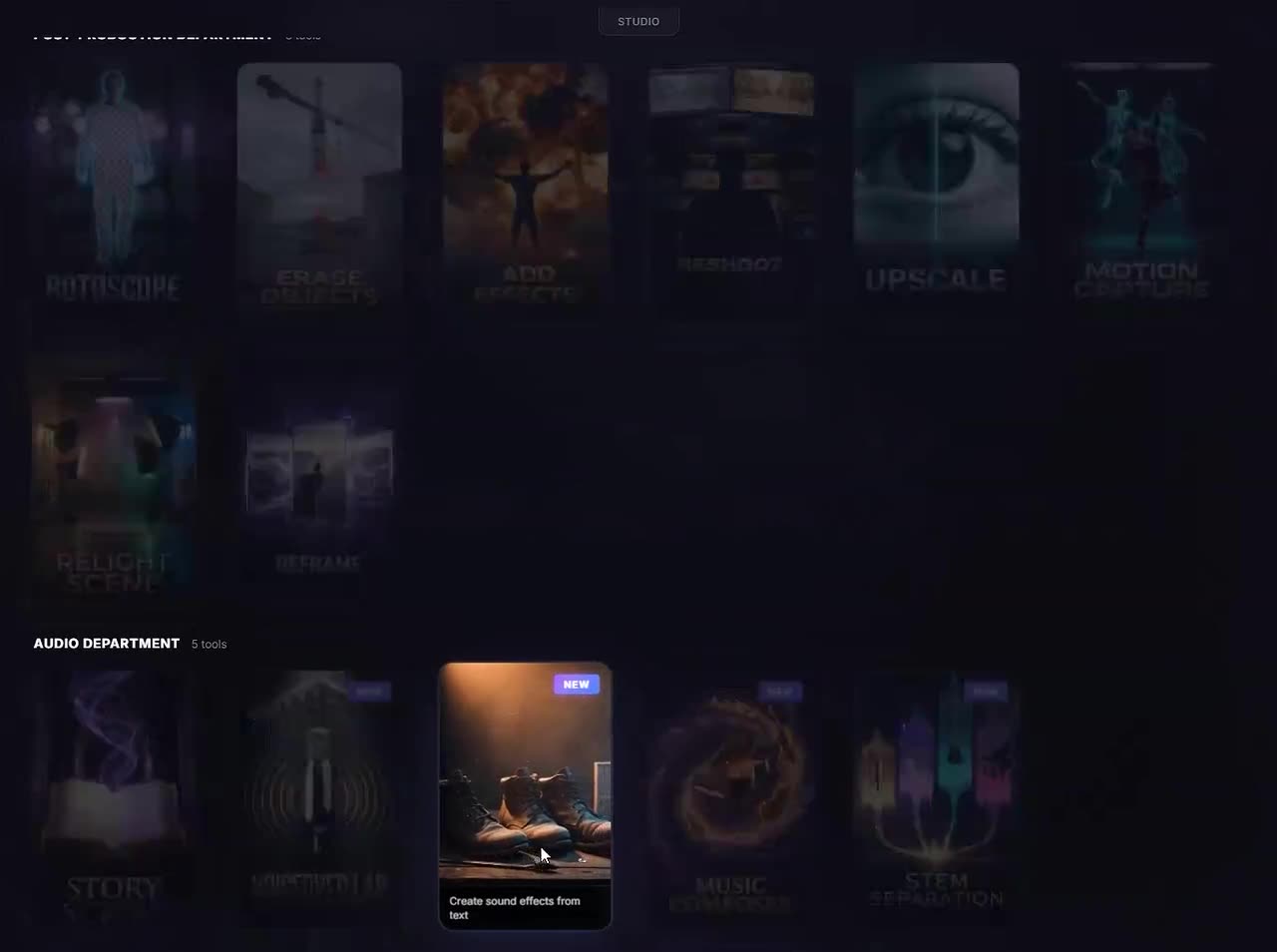
Prompt it, or generate from the clip, then drop the take under the source or at the playhead.
- Prompt-to-SFX
- Video-to-Foley
Score
Write the cue for this cut, not a library loop that almost fits.
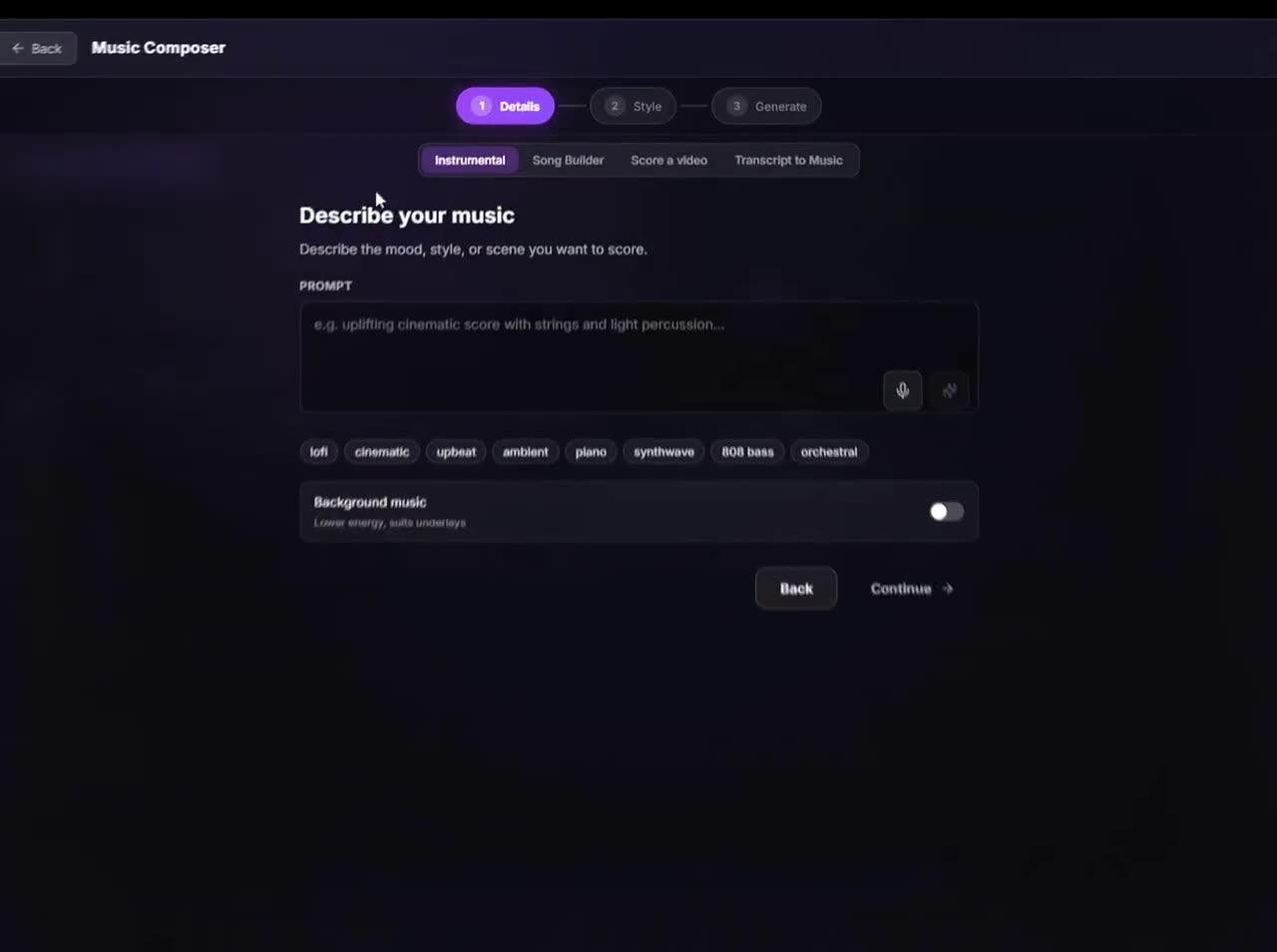
Prompt, footage, or transcript in. Four ways to start.
- Instrumental
- Song Builder
- Score a video
- Transcript to Music
Launch price
Add the audio department for $69.99.
Voice, SFX, music, and stems stay available while you keep scanning the workflows.
Voice
Write the line. Pick a catalog voice or clone yours.
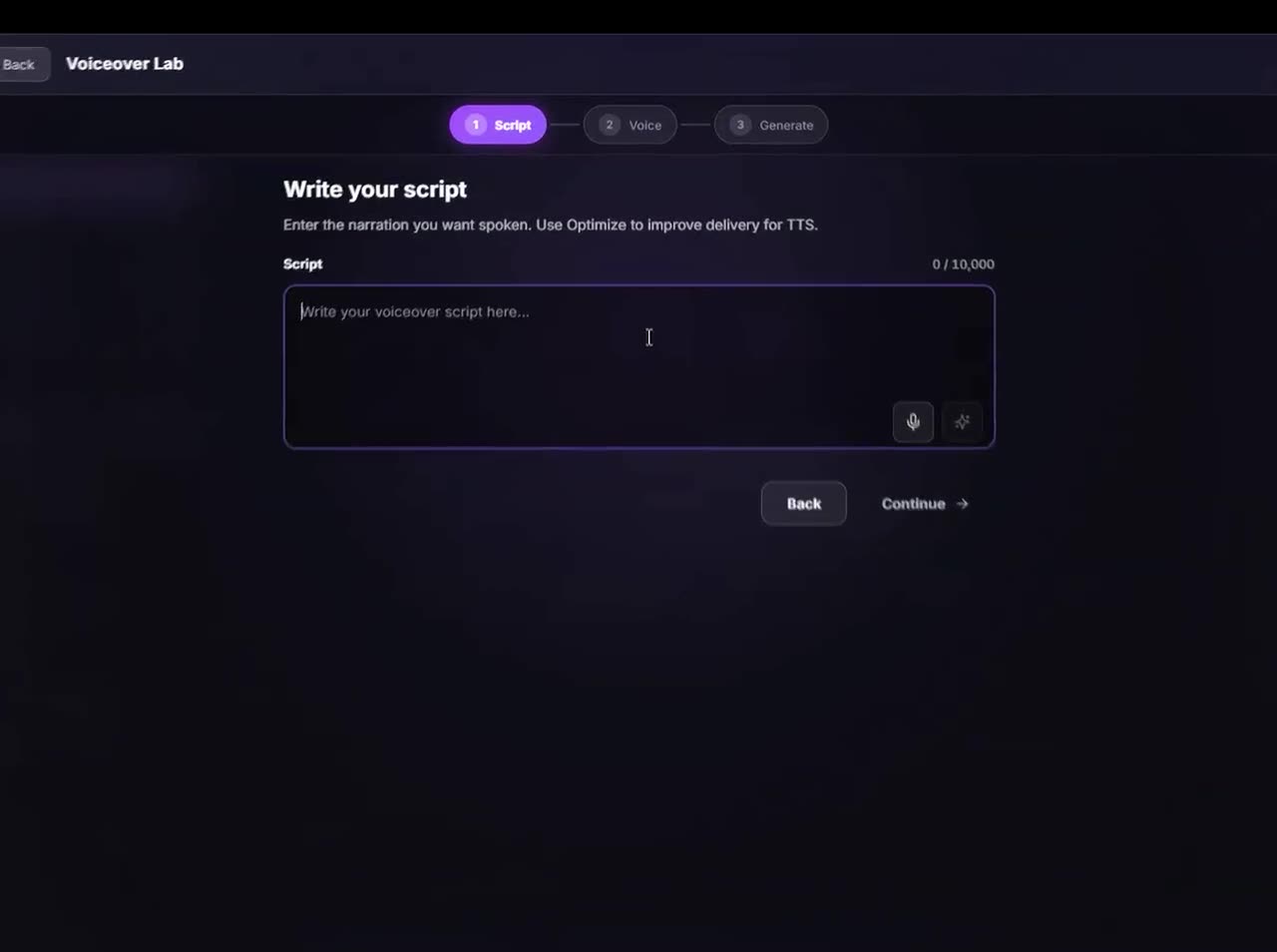
No extra session. Results go to Chat and your library.
- Voice catalog
- Clone your voice
Remix
Split the mix. Move vocals, drums, and bass on their own.
4-stem or 6-stem. Place each part at the playhead.
- Vocals, drums, bass + more
- Place at playhead
Packages
Finish more of the sound without leaving Premiere.
Audio Expansion runs inside Chat Video Pro. Choose the route that matches what you already own and how you prefer to pay.
New to Chat Video Pro?
Creator Bundle
$199.99one-time
The full Chat Video Pro panel with the complete Audio Expansion included. One purchase, nothing left to unlock.
- Everything in the base panel — rough cuts, generation, VFX
- The full Audio Expansion included from day one
- Lifetime licence, no subscription
Already own Chat Video Pro?
Audio Expansion
$69.99one-time
Add all four audio workflows to the panel you already run. Paste your licence key and they unlock in place — no reinstall.
- Voiceover Lab, SFX Studio with Foley, Music Composer, Stem Separation
- Requires an existing Chat Video Pro licence
- One-time purchase, yours permanently
Prefer the lowest upfront cost?
Creator Pass
$24.99/moper seat
The whole panel plus every expansion, unlocked while your pass is active. Cancel any time.
- Audio Expansion included while the pass is active
- Every future expansion included the day it ships
- Lower upfront than a lifetime licence
Tutorials
Hear it land on the timeline.
Short walks through SFX, Foley, and score — plus one editor showing the expansion on a real cut.
Jack Cole · @ItsJackCole — AI Sound Design Just Got Real...
Player not loading? Watch on YouTube.
Swipe →


FULL BREAKDOWNS
Compare the tools you already know.
See the sourced tradeoffs—including where the specialists win.
- AI voiceover
ElevenLabs
Compare ElevenLabs’ speech, cloning and creative platform with Voiceover Lab and the Audio Expansion in Premiere. CVP takes are reviewed in Chat and Library before manual placement; compare voices, rights and real usage.
View comparison → - Stem separation
LALAL.AI
Compare LALAL.AI’s dedicated instrument separation and local DAW tools with CVP’s stem delivery into Premiere. Check source quality, processing location, queue allowances and software access before choosing.
View comparison → - AI music
Beatoven.ai
Compare Beatoven’s music and sound-effects service with Music Composer in Premiere. Review output rights and delivery; Beatoven’s current numeric pricing could not be verified from the public pages checked.
View comparison → - Native Premiere AI
Adobe Premiere AI Assistant
Adobe’s public-beta Assistant already organizes media and builds editable assemblies. Compare its first-party workflow and separate generation tools with CVP’s Story Cutter, Captions Engine, Studio and provider-key billing.
View comparison →
Before you buy
Audio Expansion answers.
YOUR AUDIO DEPARTMENT IS READY
Add it to the panel you own.
Generate voiceover, sound effects, score, and stems from the panel you already have open — then bring finished audio into Premiere through Chat, Library, or supported timeline placement.
Audio Expansion