Your AI video studio. Inside Premiere Pro.

Generate, transform, and finish shots without leaving your timeline.

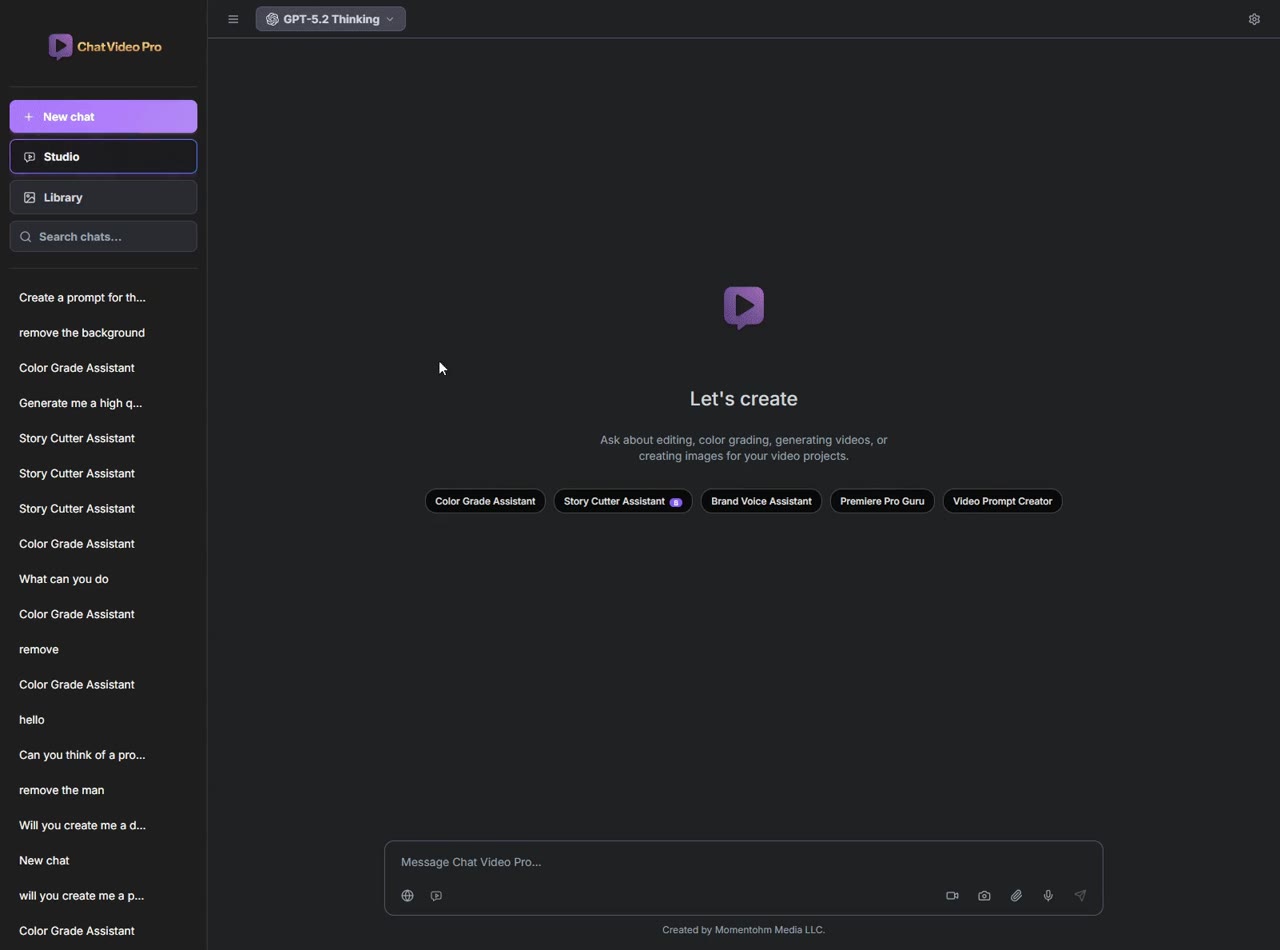
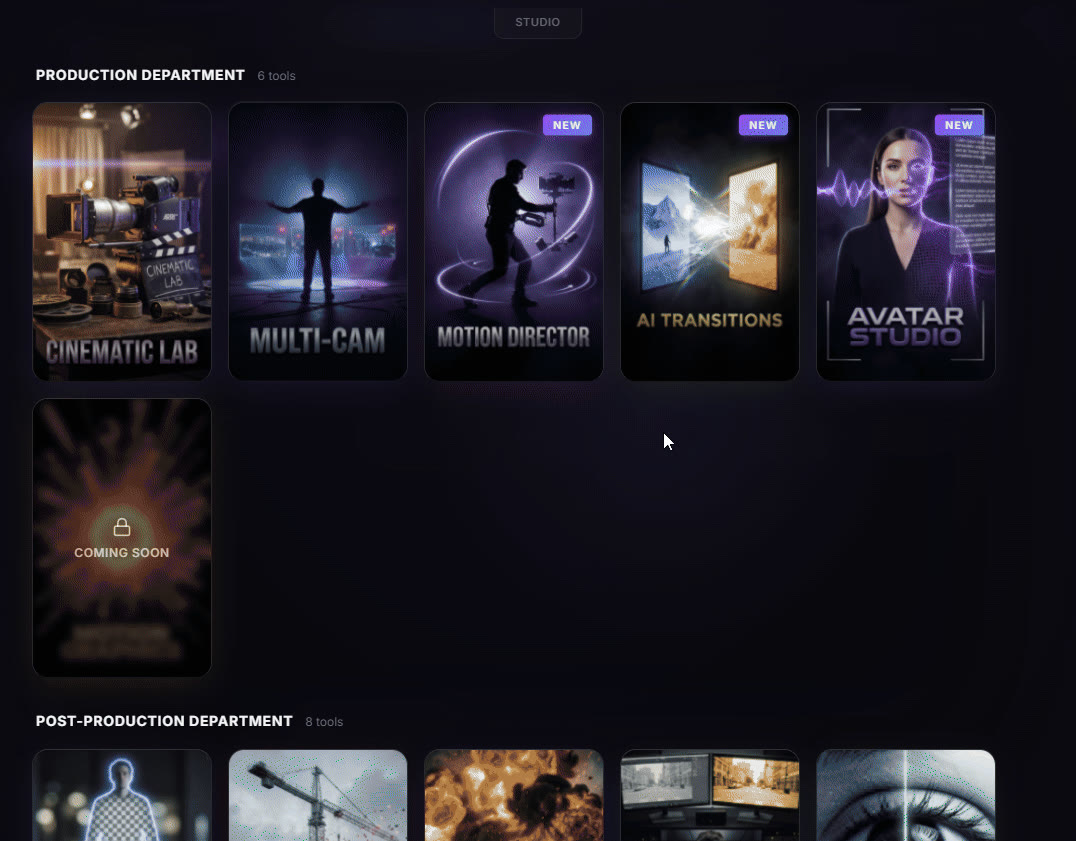
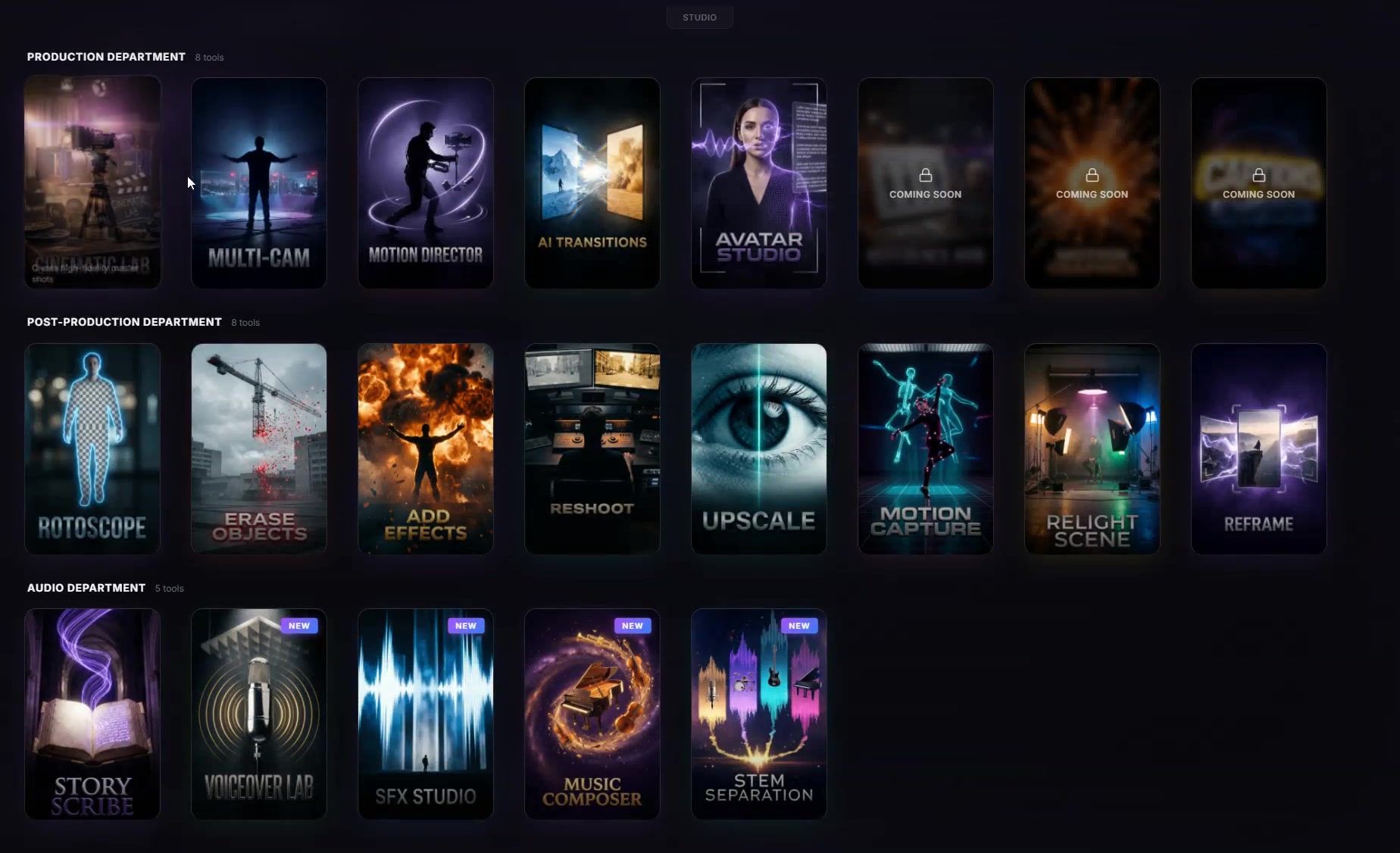
The Chat Video Pro Studio browser, its tools laid out as artwork cards under three headings — Production, Post-Production and Audio — including Cinematic Lab, Multi-Cam, Motion Director, AI Transitions, Avatar Studio, Rotoscope, Upscale, Relight Scene, Story Scribe and Music Composer.

Premiere Pro · Mac + Windows · No browser round-trip

Creator Pass $24.99/mo

  • Generate footage
  • Transform clips
  • Finish on your timeline
  • Premiere Pro
  • Mac + Windows
  • 10+ AI models
  • Pay-as-you-go generation

Create the Shot

Generate the shot you wish you had.

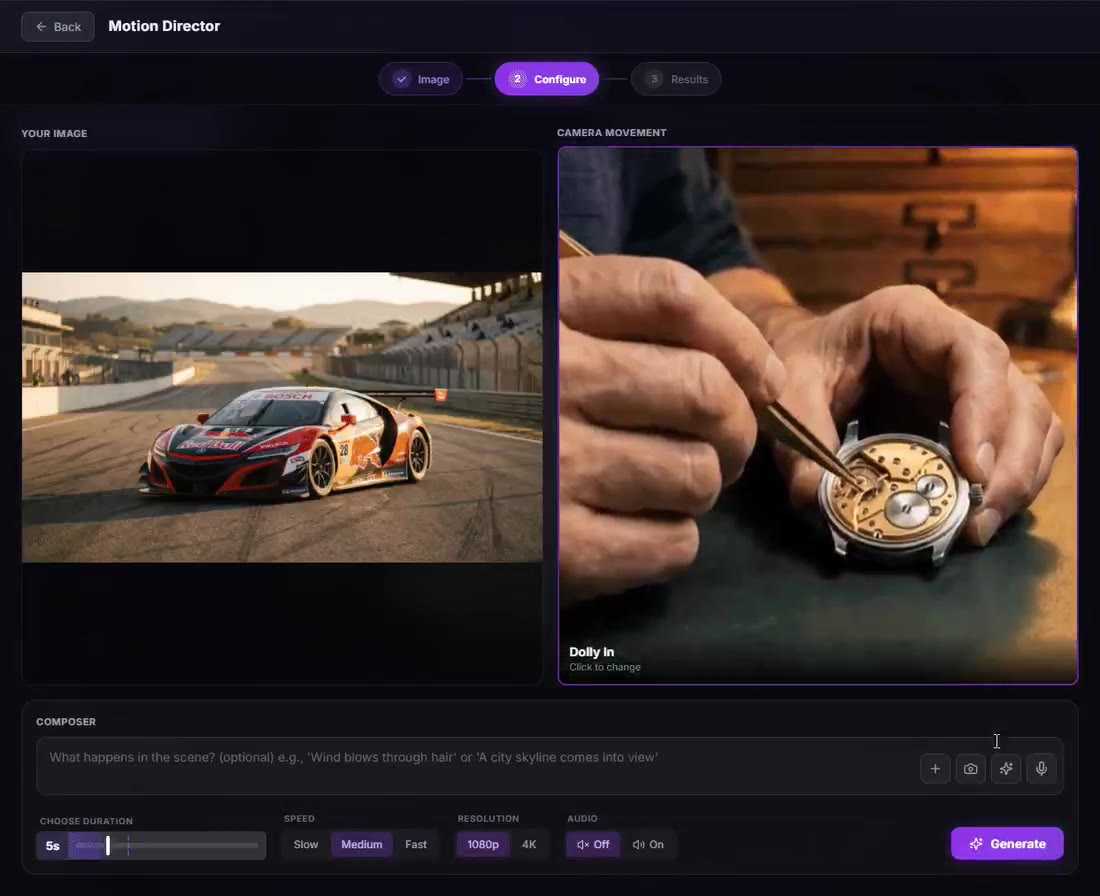
Describe the shot, steer camera and lens, and generate the result in Premiere.
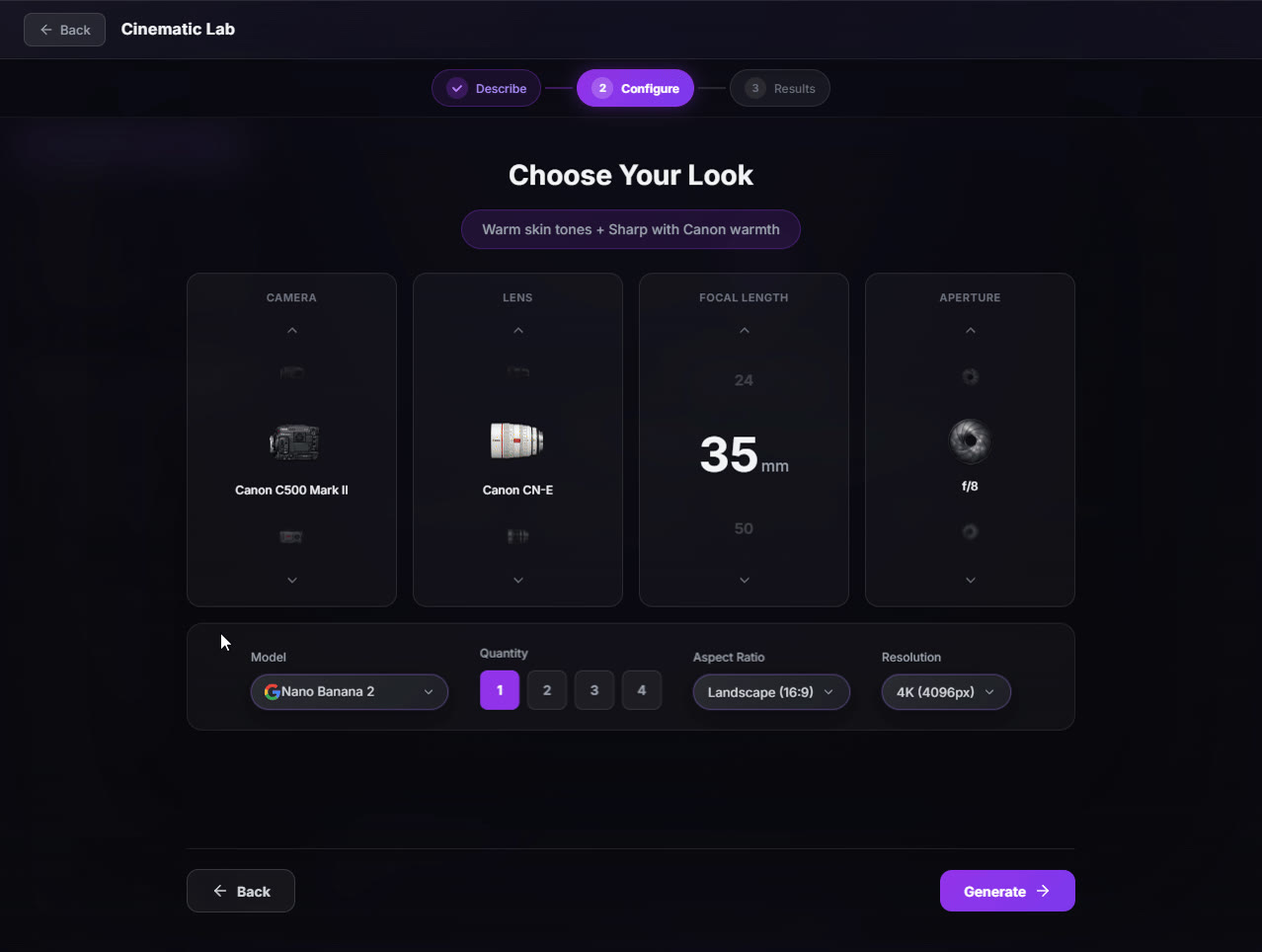
The Cinematic Lab “Choose Your Look” step in Chat Video Pro, with camera, lens, focal length and aperture set to a Canon C500 Mark II, a Canon CN-E, 35mm and f/8, above model, quantity, aspect-ratio and resolution controls and a Generate button.
  • Cinematic Lab
  • Multi-Cam
  • Avatar Studio
  • Motion Director

Transform the Footage

Change the shot without leaving the edit.

Apply one transformation to footage already on the sequence.

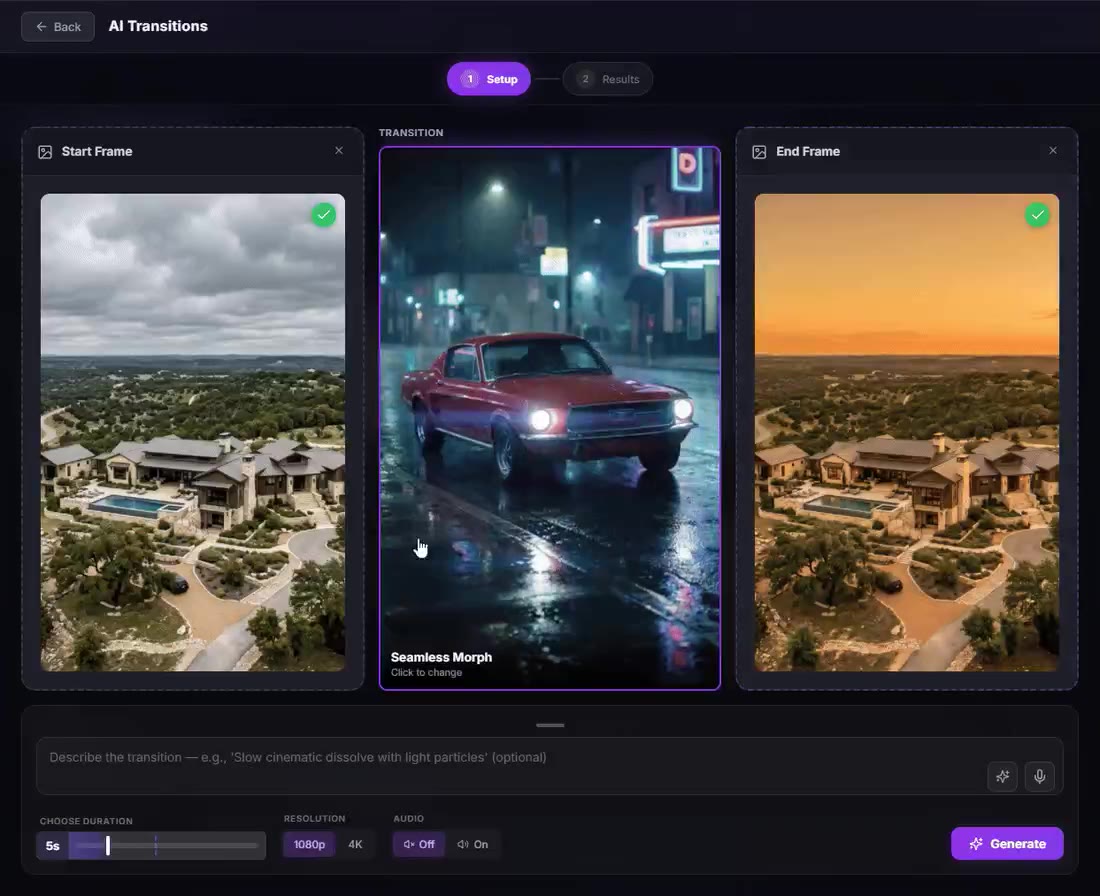
The AI Transitions setup in Chat Video Pro: an aerial shot of a hillside estate under grey cloud as the start frame, the same estate at golden sunset as the end frame, and a “Seamless Morph” transition previewed between them as a red muscle car on a rain-slicked neon street.
  • AI Transitions
  • Reframe
  • Relight
  • Rotoscope and Erase

Back on the Timeline

Your result. Back in the edit.

Trim, arrange and finish generated media on your Premiere timeline. Generated pixels are rendered media, not individually editable layers.

Chat Video Pro Studio panel open beside a Premiere Pro sequence
  • No export-and-reimport loop
  • Works from the active sequence
  • Result remains part of the edit

Explore Studio

Pick a workflow. See it work.

Also included: Multi-Cam

Cinematic Lab

Pro-looking shots without the prompt engineering.

Cinematic Lab. Pro-looking shots without the prompt engineering.

The Cinematic Lab “Choose Your Look” step in Chat Video Pro, with camera, lens, focal length and aperture set to a Canon C500 Mark II, a Canon CN-E, 35mm and f/8, above model, quantity, aspect-ratio and resolution controls and a Generate button.
Claude
Gemini
Kling
ByteDance
Recraft
Wan
OpenAI
Hailuo
Fal
VEO
Flux
Meta
Decart

Social Proof

Real editors. Real results.

Player not loading? Watch on YouTube.

  • Chat Video Pro is blowing my mind!
    Rob Moretti · @robmoretti · TikTok
  • This is the plug-in editors have been waiting for.
    Th3Shooter · th3shooter.edits · Instagram
  • Editing just changed forever… and most people don’t even know it yet.
    Tobimarad · @tobimarad · Instagram

Two ways in

Creator Pass or Creator Bundle.

Try it monthly

Creator Pass

$24.99/mo

  • Captions Engine + Story Cutter
  • Full AI Studio + all models
  • Audio Expansion + all panel expansions while active
  • Cancel anytime

Cancel anytime · No refunds

Own it forever

Creator Bundle

$199.99

  • Base + Audio Expansion
  • Expansions available today, included permanently
  • 7-day money-back guarantee
  • 1 seat · pay once

Lifetime · Story Cutter included · AI credits separate

7-day money-back on the Chat Video Pro license. Downloadable add-ons and used AI credits are not refundable.

See the full AI credit breakdownCompare all access options →

Got questions?

Studio answers, fast.

Build the whole thing inside Premiere.

Generate, transform, and finish shots without leaving your timeline.
7-day money-back on the Chat Video Pro license. Downloadable add-ons and used AI credits are not refundable.