Read comparison →
Chat Video Pro vs Adobe Premiere AI Assistant
Native CC bundling vs multi-model generative production — Adobe’s first-party AI Assistant, in public beta, vs Story Cutter, Studio, and BYOK wholesale billing.
Comparisons
Sixteen honest, sourced breakdowns against the AI editing tools editors actually evaluate — plus the single-purpose audio specialists — covering how each one handles AI voiceover, SFX and Foley, score, and stem separation against Chat Video Pro’s audio workflows, included in Creator Bundle and active Creator Pass or available as an add-on for Base and Teams. See Chat Video Pro pricing before you pick a stack.
Native CC bundling vs multi-model generative production — Adobe’s first-party AI Assistant, in public beta, vs Story Cutter, Studio, and BYOK wholesale billing.
Premiere panel vs standalone transcript editor — pricing, Story Cutter, and when Descript still wins. Voice cloning is now a tie, not a Descript walkover.
Premiere-based Story Cutter, Studio and Captions Engine vs Eddie’s desktop editing and generation workflows — compare captions, B-roll, voiceover, delivery and credit-based pricing.
Two Premiere plugins compared — transcript-driven Story Cutter and LLM reasoning over your sequence vs a VFX-and-generation toolset on subscription credits. Documented voice tools are credited; a dedicated music-composition workflow was not verified. Compare supported tools and delivery, not assumed output parity.
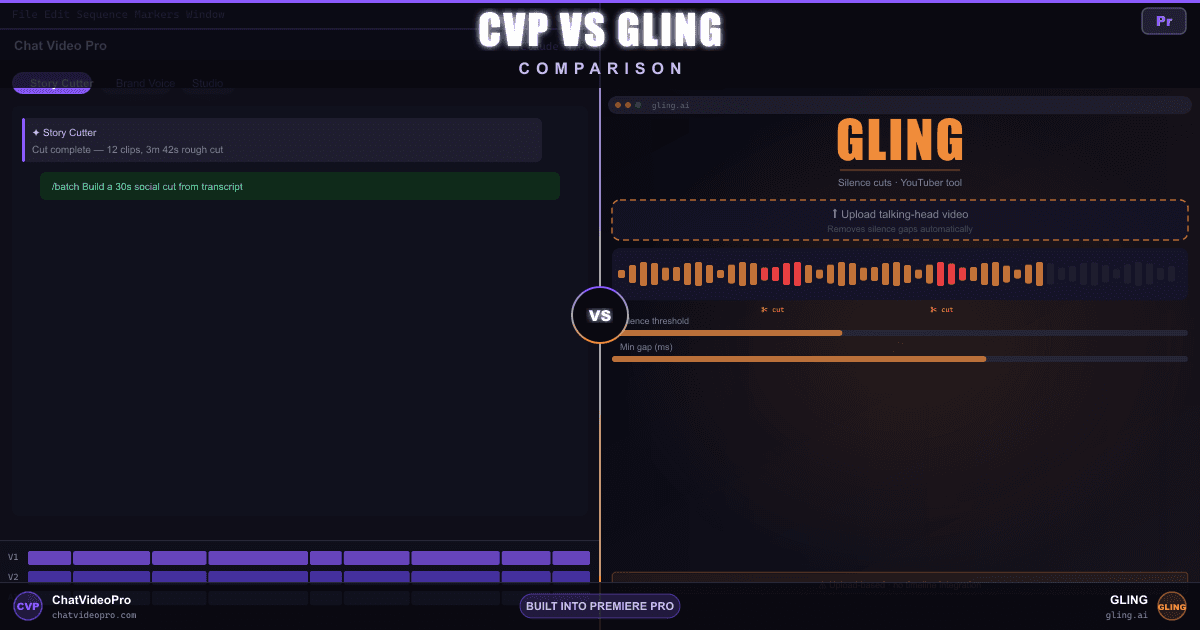
Premiere Story Cutter vs Gling silence cuts for YouTubers — desktop upload workflow, subscription tiers, and honest wins for talking-head creators.
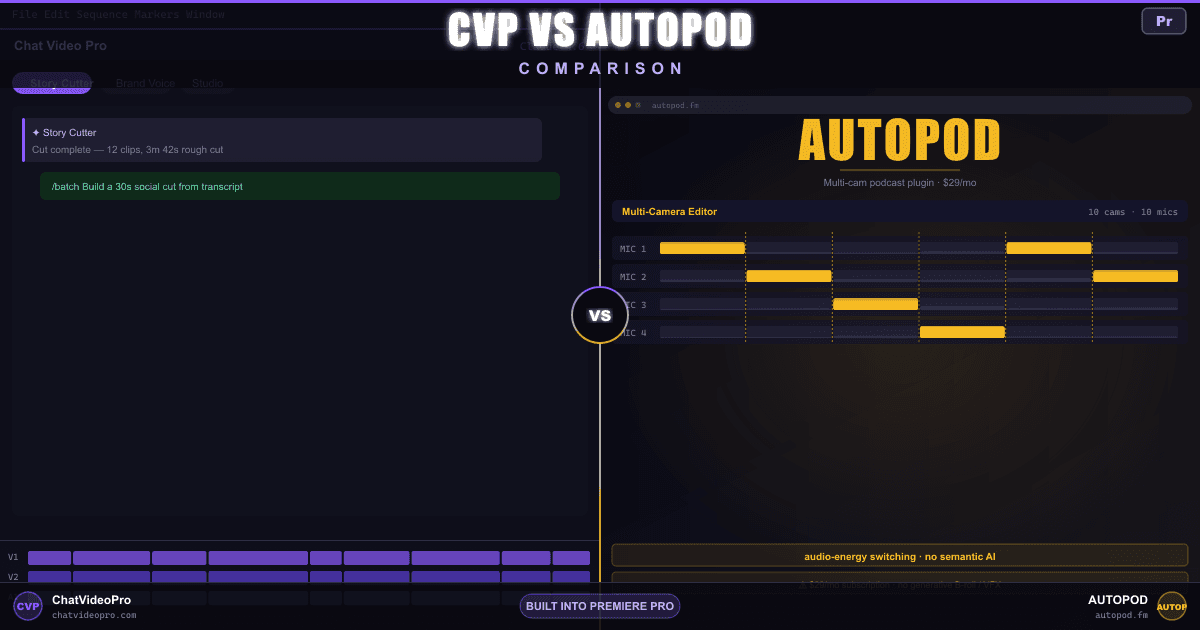
Transcript-aware multi-cam + /batch deliverables vs AutoPod’s audio-energy switching subscription — lifetime or optional monthly license, generative Studio, and the rest of the post stack.
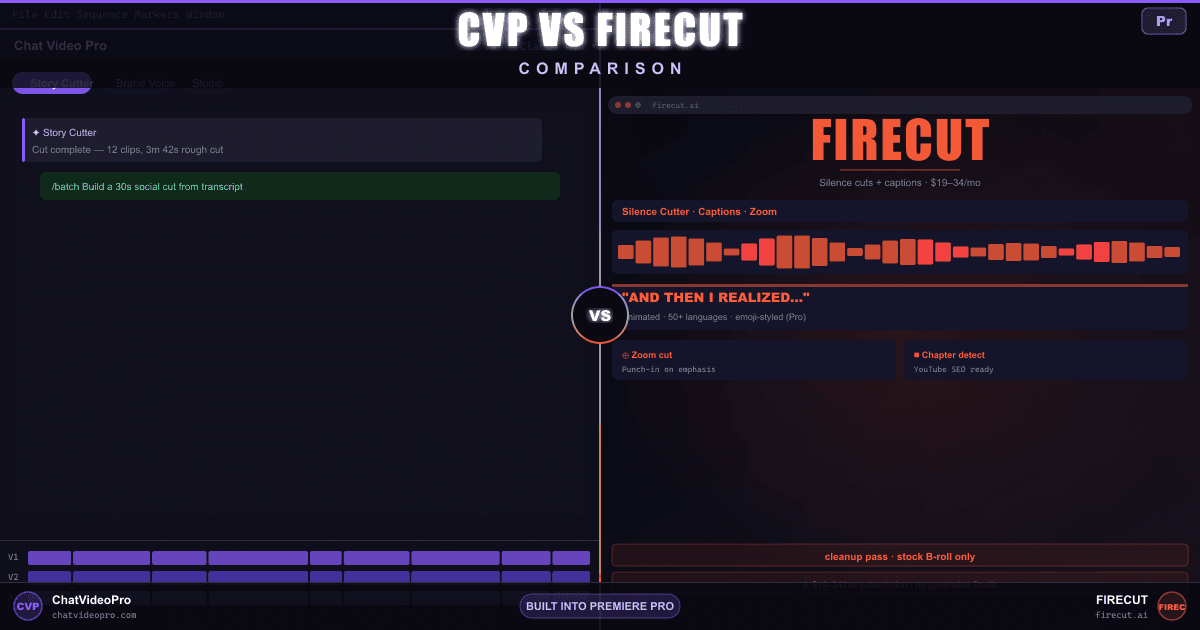
Story Cutter editorial assembly vs FireCut’s subscription automation — both build a first draft now, so the split is scope, control, generative B-roll, and the AI thumbnail work FireCut doesn’t document.
Two native Premiere rough-cut tools compared—AutoEdit’s Claude workflow, captions, and creator plans vs Chat Video Pro’s model choice, agent planning, batch cuts, and broader production suite.
Editorial depth vs tool breadth — Story Cutter rough cuts and a full generative Studio vs PremiereCopilot’s free tier, short-form tools, and one-time GenAI bundle. Audio broken out into four rows: they name voice cloning, and SFX and music are reachable through their routed catalog rather than shipped as tools of their own.
Generative depth vs automation breadth — Story Cutter rough cuts and a full Studio (Seedance, Veo, Kling, Hailuo) on a lifetime or optional monthly license vs GoatEdit’s prompt-based panel, viral shorts, and animated captions.
Generative Studio vs a broad automation toolset — Story Cutter rough cuts and in-timeline generation vs Phantom’s Gemini retake removal, multicam, captions, and an in-Premiere Chat AI in beta, with tools also sold separately.
Two Premiere panels compared — Story Cutter and a full Studio on a lifetime license vs Runway’s own Premiere/After Effects plugin for generation, restyle, upscale and background removal on subscription credits. Voice, SFX, and music stay ties..
Standalone AI services, ChatGPT with MCP, and a dedicated Premiere panel compared: supported editing tools, caption workflows, delivery and separate usage costs.
AI voiceover inside Premiere vs the voice specialist — compare voice selection, cloning, licensing and delivery. CVP voiceover takes arrive in Chat and Library for dragging into an edit; Audio Expansion is included with Creator Bundle and active Creator Pass or available separately for Base and Teams.
Stem separation on the timeline vs the separation specialist — compare stem options, processing allowances and LALAL.AI’s local plugin with CVP’s timeline workflow. No output-quality benchmark is implied. Ours is that the stems come back in sync on the sequence, and the same purchase also covers voiceover, SFX and score.
AI score for a cut vs the licensed music generator — compare Beatoven’s published licensing and training disclosures with CVP’s provider-specific terms. Ours is scoring the edit in place, plus voiceover and stem separation they do not offer.
When evaluating Chat Video Pro vs AI video tools, the choice comes down to where your creative work actually happens. Standalone web apps force you to break your momentum — requiring tedious exports, file uploads, browser-based prompting, and subsequent re-imports that shatter your editing flow. By contrast, Chat Video Pro embeds advanced generative video models, transcription, and publishing engines directly inside Premiere Pro as an integrated panel. Exploring our creative products and pricing reveals how unified, pay-as-you-go workflows save hours of context switching compared to subscription-heavy browser suites.
More comparisons coming as editors ask — we add pages when there is a real workflow overlap worth an honest breakdown. Editor guides live on the Chat Video Pro blog.
Lifetime license or optional Creator Pass monthly · runs inside Premiere Pro
See pricing & get Chat Video Pro →