Where it lives
Editor environment
Chat Video Pro
Inside Adobe Premiere Pro (CEP panel)Gling
A separate editing app with rendered-video output and paid XML handoff to Premiere, Final Cut Pro or Resolve.Suggested fitChat Video Pro
Comparison
Competitor pricing checked:
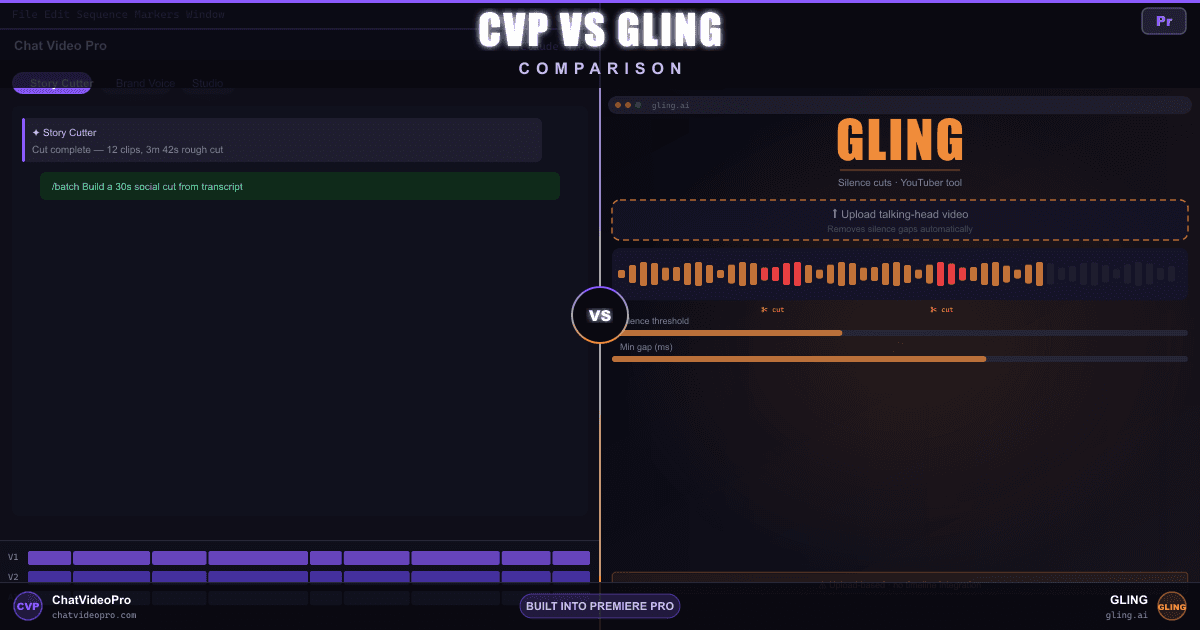
Compare Gling and Chat Video Pro for speech-led editing, captions and Premiere handoff. Review the free-export restrictions, multicam workflow and plan allowances before choosing.
At a glance
Capabilities, access and limits, with unknowns kept explicit. A tie does not establish equal quality.
Audio access: Audio Expansion is included in the $199.99 Creator Bundle and while a $24.99/mo Creator Pass is active. For Base or Teams owners, the $69.99 one-time add-on requires an existing CVP license. Provider usage is billed separately.
Editor environment
Chat Video Pro
Inside Adobe Premiere Pro (CEP panel)Gling
A separate editing app with rendered-video output and paid XML handoff to Premiere, Final Cut Pro or Resolve.License + ongoing cost
Chat Video Pro
$149.99 one-time (or an optional $24.99/mo Creator Pass) + wholesale AI usageGling
Gling prices Plus, Pro and Elite at $10, $20 and $50 a month paid annually — $20, $40 and $100 billed monthly — above a free tier limited to one hour of AI-edited media a month with a watermark, as checked on 2026-10-18.Who each tool optimizes for
Chat Video Pro
Pro editors, agencies, and Premiere-first finishing teamsGling
Solo YouTubers, podcasters, and talking-head creatorsAutomated dead-air and ums
Chat Video Pro
Yes — Story Cutter on the Premiere timelineGling
Yes — flagship; strong on talking-head footageText-driven trimming and soundbites
Chat Video Pro
Yes — pick lines; cuts land on your sequenceGling
Yes — AI text-based trimmer in GlingHandoff after the AI pass
Chat Video Pro
Native Premiere timeline — no re-import for Story Cutter editsGling
Rendered MP4/MP3, or XML into Premiere, Resolve or Final Cut — but their own FAQ says the free tier gets neither the XML path nor a clean export: free exports are watermarked and cannot go to Premiere, Final Cut or Resolve at allWhere media lives during the cut
Chat Video Pro
Local — Story Cutter on your active Premiere sequenceGling
Import raw recordings into Gling; the AI pass runs there, then you export MP4/MP3 — or XML on a paid tier, which their FAQ says the free tier cannot doCinematic video (Seedance, Veo, Kling, Hailuo) + image generation on the timeline
Chat Video Pro
Yes — Cinematic Lab, Motion Director, and Studio video models on your sequenceGling
AI B-rolls and generation from a link are both on their feature list, and the link generator draws on the same monthly allowance as the editing, counted in words rather than hours — but the output is a Gling project you export, not a clip on your Premiere sequence, and no cinematic video model is named on that pageSynthetic angles and VFX on footage
Chat Video Pro
Yes — Multi-Angle, Relight, Erase, Rotoscope in StudioGling
Not confirmed on the official pricing and feature pages checked. This is a documentation gap, not proof the vendor cannot perform the task.Text-to-speech narration on the timeline
Chat Video Pro
Voiceover Lab — scripted reads and voice cloning; takes land in Chat and your Library, ready to drag into the edit (Audio Expansion: included in Creator Bundle / active Creator Pass; otherwise $69.99 one-time, requires a CVP Base or Teams license. Provider usage extra)Gling
The link-to-video product offers voice and AI-avatar narration. Its Voice-Over Creator page discusses narration editing and synchronization; arbitrary scripted voice generation for existing footage was not clearly specified.Generated SFX, and sound matched to the picture
Chat Video Pro
SFX Studio — prompt any effect, or Foley mode watches the clip and scores the action (Audio Expansion: included in Creator Bundle / active Creator Pass; otherwise $69.99 one-time, requires a CVP Base or Teams license. Provider usage extra)Gling
Not confirmed on the official pricing and feature pages checked. This is a documentation gap, not proof the vendor cannot perform the task.Original music written for the cut
Chat Video Pro
Music Composer — describe a vibe or let it read the edit (Audio Expansion: included in Creator Bundle / active Creator Pass; otherwise $69.99 one-time, requires a CVP Base or Teams license. Provider usage extra)Gling
Not confirmed on the official pricing and feature pages checked. This is a documentation gap, not proof the vendor cannot perform the task.Split a mix into vocals, drums, bass, and more
Chat Video Pro
Stem Separation — every stem returns as a real clip on the timeline (Audio Expansion: included in Creator Bundle / active Creator Pass; otherwise $69.99 one-time, requires a CVP Base or Teams license. Provider usage extra)Gling
Not confirmed on the official pricing and feature pages checked. This is a documentation gap, not proof the vendor cannot perform the task.High-volume spoken-word throughput
Chat Video Pro
Yes — on timeline; best when Premiere is already openGling
Yes — built for podcast and YouTube long-form volumeAvailability of preset-based animation, not a quality ranking
Chat Video Pro
Captions Engine — reusable animated styles, word-level timing and selective re-export as a transparent video clip in Premiere. Included in every CVP plan; transcription and optional AI enhancement can incur usage charges.Gling
Gling includes AI Captions and separate SRT export. Check the current caption styles in its app; this row does not establish animation or language parity.Published and reviewed by the Chat Video Pro team. These are documentation-based workflow comparisons, not independent reviews or hands-on speed, quality or accuracy benchmarks. Suggested fit reflects the stated workflow; a tie does not imply identical quality, allowances or export formats.
Page revised . Competitor pricing was checked on . Plans and availability can change; confirm the official Gling pricing and plan details before purchase.
Public feature and integration documentation checked October 18, 2026. A listed capability is not a speed or quality benchmark, and an unlisted capability is not proof that it is impossible. Neutral rows include overlaps and cases where an equivalent could not be verified; read each qualification.
See the actual CVP workflows: Story Cutter, Studio, Captions Engine, and Audio Expansion. Provider usage and Adobe Premiere Pro are separate from the CVP license.
The practical difference
Workflow
Chat Video Pro
Gling
Buying decision
Chat Video Pro
Gling
Verdict
FAQ
Captions Engine is included in every version of Chat Video Pro. Import a Premiere transcript or use Story Scribe, customize an animated style, save your preset, and export styled captions as a transparent video clip on the timeline. Fix words in the panel and re-export changed sections. Plain SRT, VTT and native Premiere caption-track exports are separate, unstyled options. Caption styling has no per-minute fee; transcription and optional AI enhancement can incur usage charges. Transcription coverage is broader than styled-language support, so check the supported styled languages before choosing a workflow.
Choose Gling for speech-led YouTube and talking-head work in a dedicated editing app, particularly when its cleanup, chapter and publishing helpers fit your process.
Gling edits imported recordings in its own app before a rendered or paid XML handoff. Its multicam and separate-microphone FAQ qualifies the Premiere route: sources must be synced before uploading the synced file.
Editing time and link-generated video share plan capacity. The free version exports watermarked video and, according to its FAQ, cannot export an editable project to Premiere, Final Cut or Resolve. Current captured prices and any verification gaps appear in the pricing row. CVP offers lifetime ownership or an active monthly Pass; provider usage is billed separately and varies by model and workload. Neither product is universally cheaper.
Audio Expansion is included with Creator Bundle and an active Creator Pass. Base and Teams owners can purchase it separately. Provider usage remains separate. Voiceover Lab saves takes to Chat and Library for dragging into the edit; SFX, music and stems have their own timeline placement workflows.
Keep exploring
Creator Bundle $199.99 one-time, or Creator Pass $24.99/month. Both include Audio Expansion; provider usage is separate.
Premiere Pro required · Mac and Windows · Provider charges are separate
7-day money-back guarantee on one-time Chat Video Pro licenses (Base, Creator Bundle and Teams). Creator Pass subscriptions bill monthly and follow separate cancellation terms. Downloadable add-ons (the Expansion Kit — folder template, export presets and LUTs), the Founder Onboarding call once delivered, and any AI generation already spent are non-refundable. Refunds are processed through Lemon Squeezy. Full terms.