Workflows
How Wedding Filmmakers Actually Use AI
A practical Capture → Repair → Generate toolkit for wedding filmmakers: relight hero shots, recover missing B-roll, repair dialogue, hide edits with sound, and keep the film true.
Read article →The Blog
Practical workflows for Chat Video Pro — Story Cutter, Studio models, wholesale billing, and setup — without leaving Adobe Premiere Pro. Evaluating other tools? Start with our AI editor comparisons.
Workflows
A practical Capture → Repair → Generate toolkit for wedding filmmakers: relight hero shots, recover missing B-roll, repair dialogue, hide edits with sound, and keep the film true.
Read article →
Workflows
A practical operating model for AI-assisted editing: what agents may inspect, plan, and execute—and what remains the editor’s judgment and approval.
Read article →
Story Cutter
A practical workflow for briefing GPT-6 Astra, reviewing its edit plan, running parallel Story Cutter passes, and refining editable cuts inside Premiere Pro.
Read article →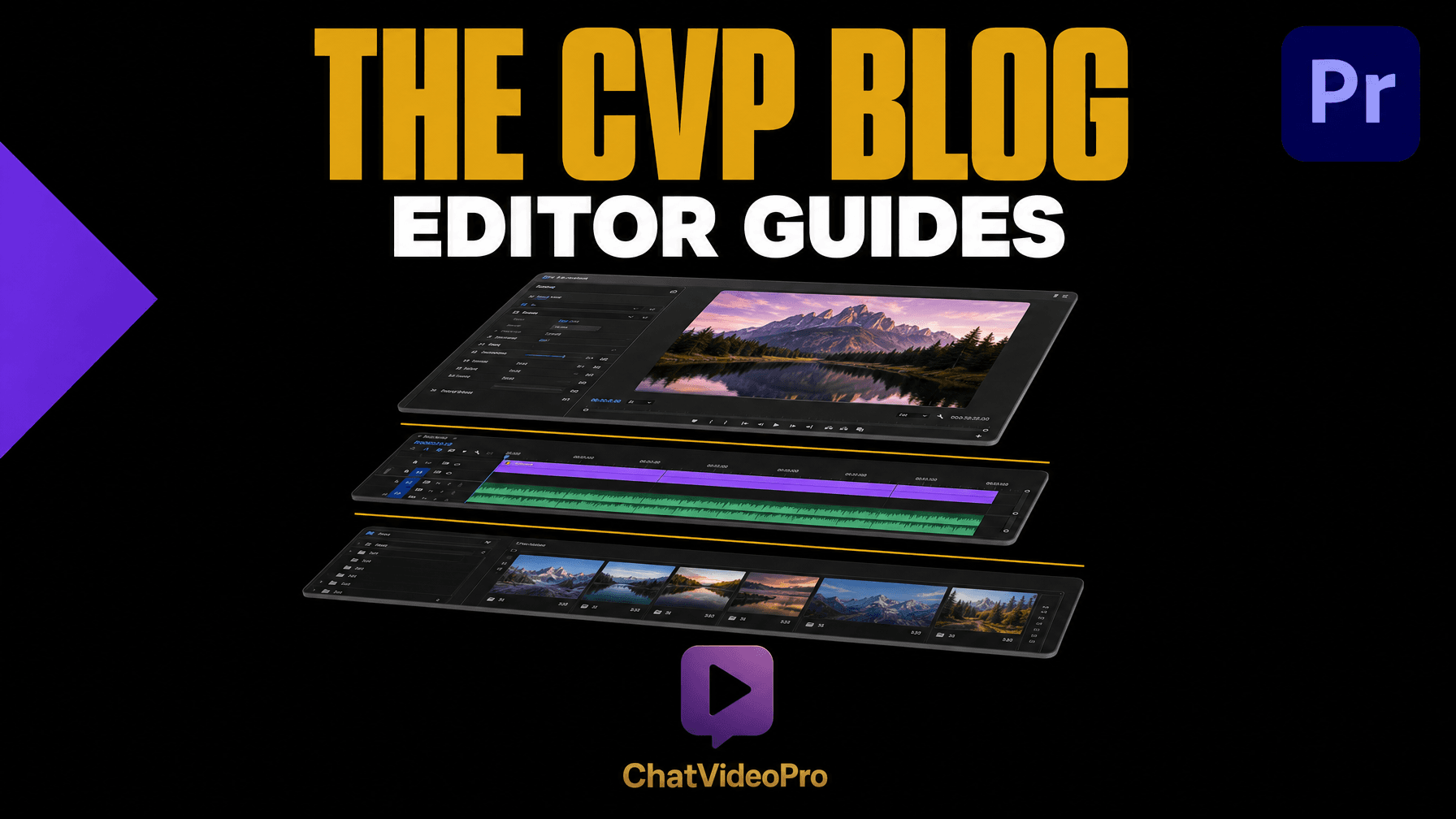
Studio
AI voiceover, SFX with Foley, original score and stem separation, all inside Premiere Pro. What the Chat Video Pro Audio Expansion ships and what it costs.
Read article →Workflows
Looking for a Transcriptive alternative in Premiere Pro? How Story Scribe compares on transcription accuracy, timeline integration and per-minute cost.
Read article →Workflows
Adobe Speech to Text transcribes; Story Scribe reads the transcript and cuts. How the two differ in accuracy, speed and what you get on the timeline.
Read article →
Story Cutter
The best AI rough cut generator for Premiere Pro in 2026 is Chat Video Pro Story Cutter — bring-your-own-key Claude, GPT-6 and Gemini on your timeline.
Read article →
Story Cutter
Use transcript-based Story Cutter inside Premiere Pro to build an AI rough cut without leaving your timeline — no round-trip export.
Read article →
Pricing
Chat Video Pro uses wholesale AI billing — pay fal.ai providers at cost via a usage dashboard, not opaque credit pools locked behind a subscription.
Read article →
Setup
Install Chat Video Pro as a signed CEP panel in Adobe Premiere Pro on Windows or macOS — ZXP installer, extension manager, and first-launch checklist for 2026.
Read article →
Models
Compare Seedance, Veo, Kling, and more for cinematic B-roll in Premiere — model selector, routes, and wholesale billing in Chat Video Pro Studio.
Read article →
Studio
Generate complementary camera angles with Kling Multi-Cam and Chat Video Pro's Studio tools — add coverage when you only captured one angle on set.
Read article →
Workflows
Transcript-based editing in Premiere Pro with Story Cutter — build interview and podcast rough cuts faster than blade-only workflows, inside your NLE.
Read article →
B-Roll
Generate cinematic AI B-roll inside Premiere Pro using Seedance 2 and Kling 3 — no tab switching, no stock library subscriptions, pay per clip on demand.
Read article →
VFX
Add Kling VFX, weather effects, and style transfers to your clips inside Premiere Pro — skip the After Effects round-trip and stay in your timeline.
Read article →
Thumbnails
Generate high-CTR YouTube thumbnails with Chat Video Pro's Thumbnail Mode — bold compositions, exports at edit resolution, no Canva tab required.
Read article →
Workflows
How Chat Video Pro's conversation starters, Library, slash commands, and Usage panel keep AI editing inside Premiere and your attention on the cut.
Read article →