Models
The best AI video generation models for cinematic work in 2026
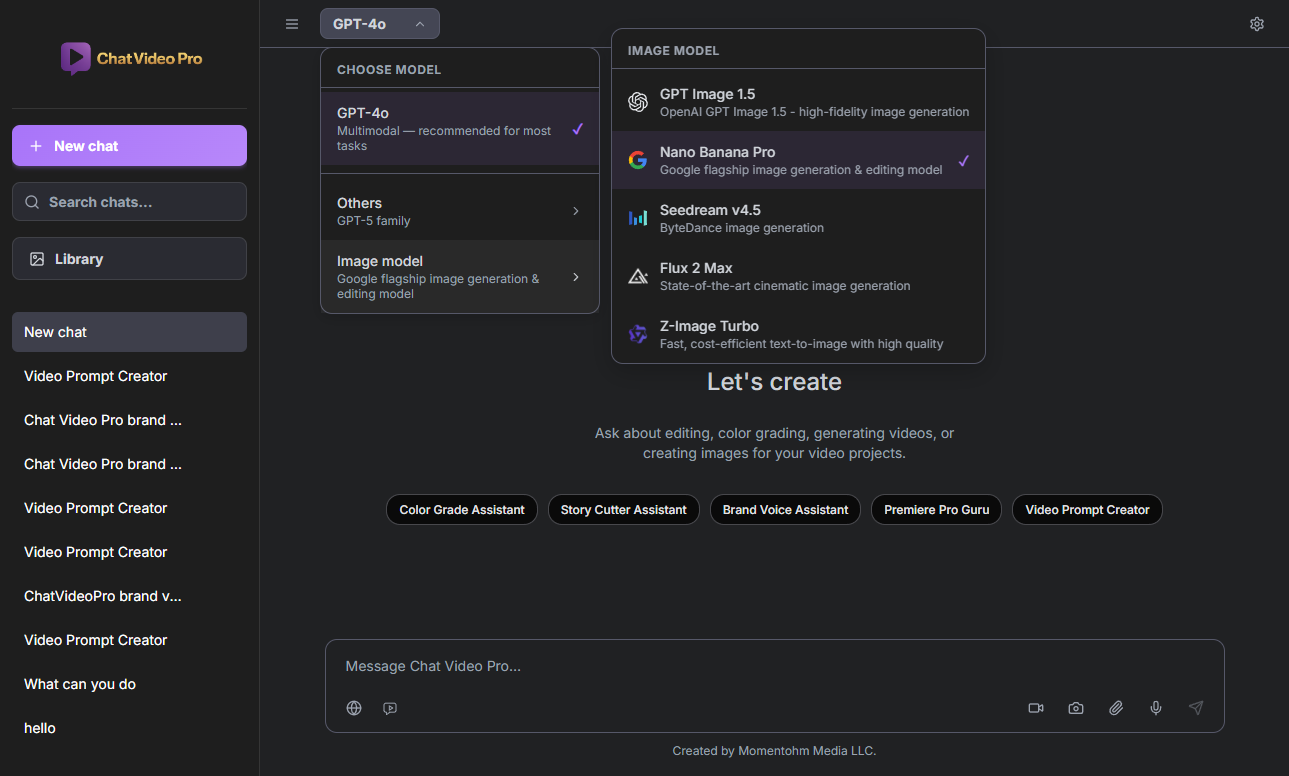
There is no single "best" AI video model for cinematic work in 2026 — there is the best model per shot. Some engines favor natural motion and camera grammar; others ship lip-sync and dialogue; others excel at realistic people, action, or ultra-wide formats. Chat Video Pro Studio exposes Seedance, Veo, Kling, Hailuo, Wan, Grok, and additional routes behind one model selector inside Premiere, with jobs billed wholesale through your FAL API key. This article synthesizes the Supported Video Models documentation into editor-facing guidance: how to read the comparison table, when docs recommend each family, and how to test short prompts before client-facing renders. Cinematic Lab-style preview workflows on the marketing site mirror the same idea — compare looks before you commit timeline space.
What "cinematic" means for generative video
Cinematic B-roll needs stable motion, believable lighting, intentional aspect ratio, and motion that survives intercut with real footage — not a pretty still stretched into movement. Match output aspect to your sequence (16:9, 9:16, 1:1, or doc-listed wides like 21:9 on Seedance). Plan audio in Premiere when the model does not generate it (some Wan routes); use Veo or Kling when synchronized dialogue is part of the plate.
Docs explicitly steer Seedance away from close-up human faces and dialogue-driven scenes — reach for Kling 3.0 Pro when realistic people are the subject. That kind of routing note is exactly what the selector is for.
Using the Studio model selector in Premiere
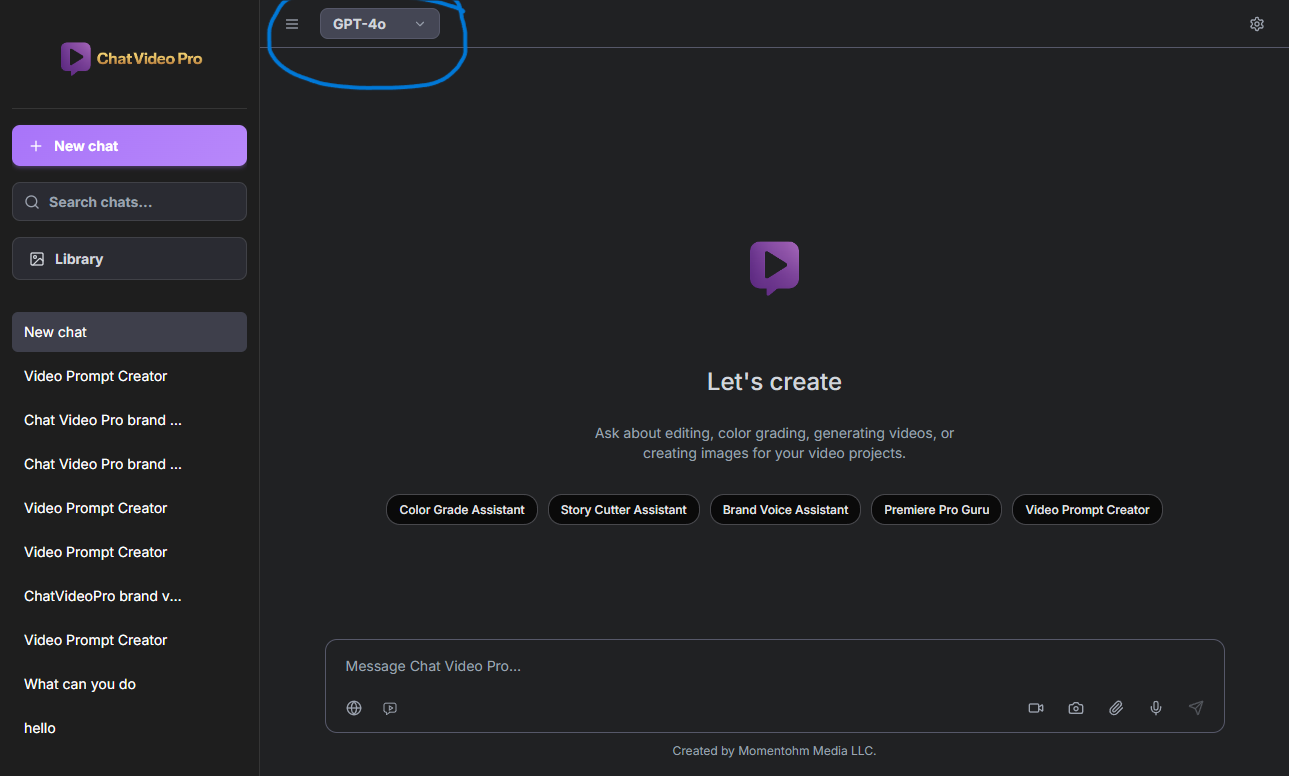
Switch models per prompt without leaving the panel. Each route shows which provider bills so Usage reconciles with FAL dashboards. Attach references from the timeline (frame capture, clip export) before you prompt so the model sees the same grade and lighting as your edit.
Seedance vs Veo vs Kling — when to reach for each
Seedance 2 targets natural motion, cinematic camera grammar, native audio, reference mode with multiple images, and wide aspect support — but not close-up talking heads. Veo 3.1 and Veo 3.1 Fast fit dialogue, lip-sync, and eight-second audio-forward plates; Veo 3.1 Lite is the budget Veo path for text-to-video. Kling 3.0 Pro and O3 Pro cover realistic people and high-quality human motion, elements, and transition modes, with audio on many routes; pick O3 Reference when you need many reference images with consistency.
- Seedance 2 — motion + audio, reference mode; avoid face-heavy dialogue shots
- Veo 3.1 family — speaking characters, lip-sync, shorter max duration
- Kling 3.0 and O3 — realistic people and human motion, transitions, many-reference consistency (O3 Reference)
Hailuo, Wan, and Grok for specialized shots
Beyond the three above, Hailuo adds another cinematic route with native audio. Wan offers reference mode and instruction-based video edit (V2V). Grok prioritizes speed, with vertical, square, and classic aspect ratios.
From generation to Premiere timeline
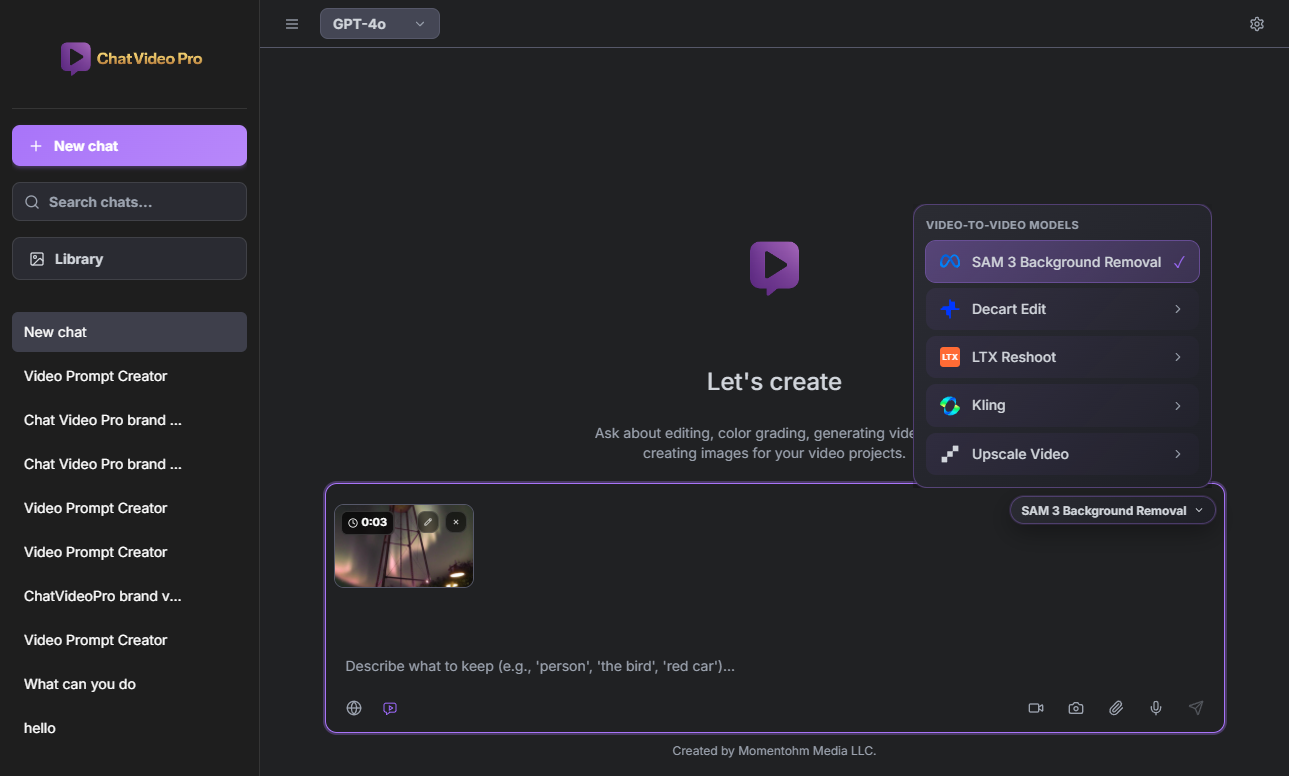
Run short tests on two or three models for the same prompt before a hero render — wholesale billing makes A/B affordable compared to opaque credit pools. Import approved clips to the active sequence, cut to music and dialogue, and grade in Lumetri alongside live-action plates. Monitor spend in Gear → Usage; check fal.ai/pricing when budgets are tight.
Consumer-facing names in the selector map to provider routes documented on Gitbook; version numbers in marketing copy are intentionally avoided here — confirm the live mapping in Supported Video Models when you upgrade Chat Video Pro.
Full model comparison on Gitbook
The authoritative comparison table, audio capabilities per family, and limitation notes live on Gitbook and update when providers ship new endpoints.
→ Supported Video Models: https://docs.chatvideopro.com/features/video-generation/supported-video-models — Model selection UI: https://docs.chatvideopro.com/getting-started/interface-overview/model-selection
Frequently asked questions
- Which model is best for talking-head B-roll?
- Docs point to Kling for realistic humans; test short prompts — avoid Seedance for close-up dialogue per official guidance.
- Do model names include version numbers in the panel?
- The selector uses consumer-facing names; see Supported Video Models on Gitbook for the current provider mapping.
- Can I use multiple models on one project?
- Yes — wholesale billing logs each job separately so you can mix engines per shot.
- How do I control cost?
- Use faster tiers (Veo Fast, shorter durations, audio off), preview SAM jobs, and watch the Usage panel.
Try Chat Video Pro
AI rough cuts, Studio generation, and wholesale billing — all inside Adobe Premiere Pro. One-time license, no platform subscription.
Related guides
- Multi-angle AI generation: replace multi-cam shoots inside Premiere →
- Why pay-per-use AI beats credit-based subscriptions for editors →
- How to make an AI rough cut inside Premiere Pro →
- How to install an AI plugin in Premiere Pro (2026 guide) →
- Transcript-based editing: the fastest workflow for interview and podcast video →
Technical reference: docs.chatvideopro.com