Own it forever
Creator Bundle
$199.99
- Base + Audio Expansion
- Expansions available today, included permanently
- 7-day money-back guarantee
- 1 seat · pay once
AI usage billed separately.
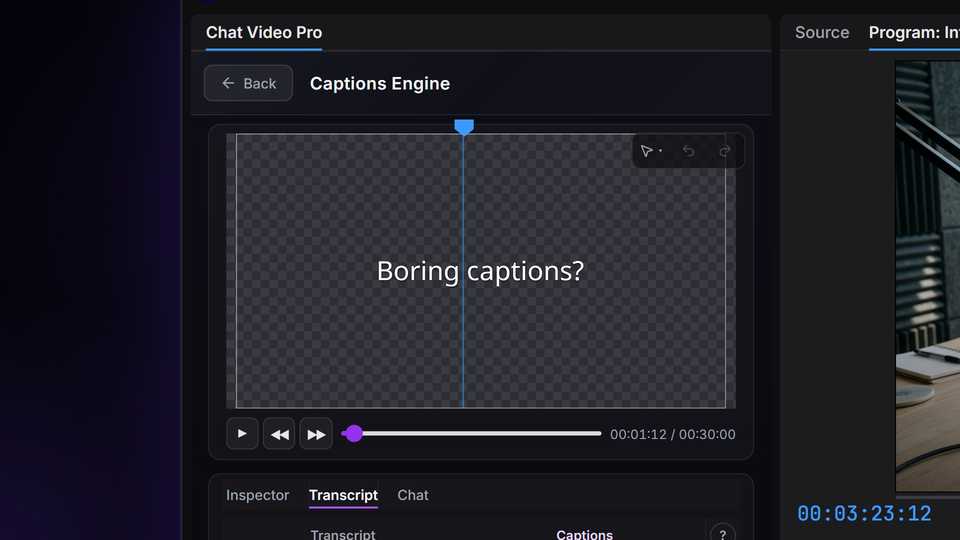
Get the look you want with ready-made styles and chat.
Included with every version · AI billed by fal.ai
Basic captions don’t always deliver the look your edit needs. Building that look in After Effects takes more time and animation knowledge. Captions Engine gives you ready-made styles, customization controls, and chat to help shape the result.
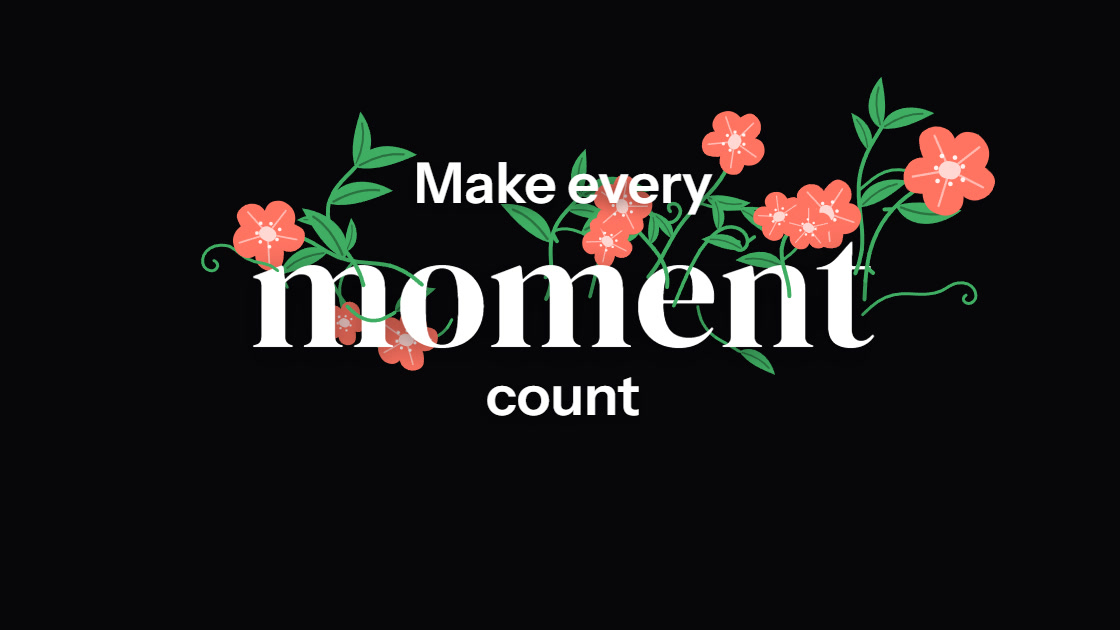
50+ looks and counting. Make every one your own.
Tell the Captions chat what you want in plain words. It restyles your captions right inside Premiere Pro, then checks the result before it answers.

More energy, a cinematic feel, key words in gold. Brief it like a motion designer.
It looks at frames of your captions before it calls a change done.
Every change is one Undo, so a bad idea costs a click.
Optional. Chat requests are billed by your AI provider. Styling by hand never costs extra.
13 entrances and 5 exits, on any look. Hover or tap one to watch it alone.
Start from any look, then tune it in the Inspector.
Live preview
Make it yours
Font
Colour
Plate
Glow
Click a control to try it yourself.
One style. Every caption.
01 / Transcript
00:00:04Start with your transcript. Find the right rhythm. Make every word count. Keep your own voice.
02 / Style
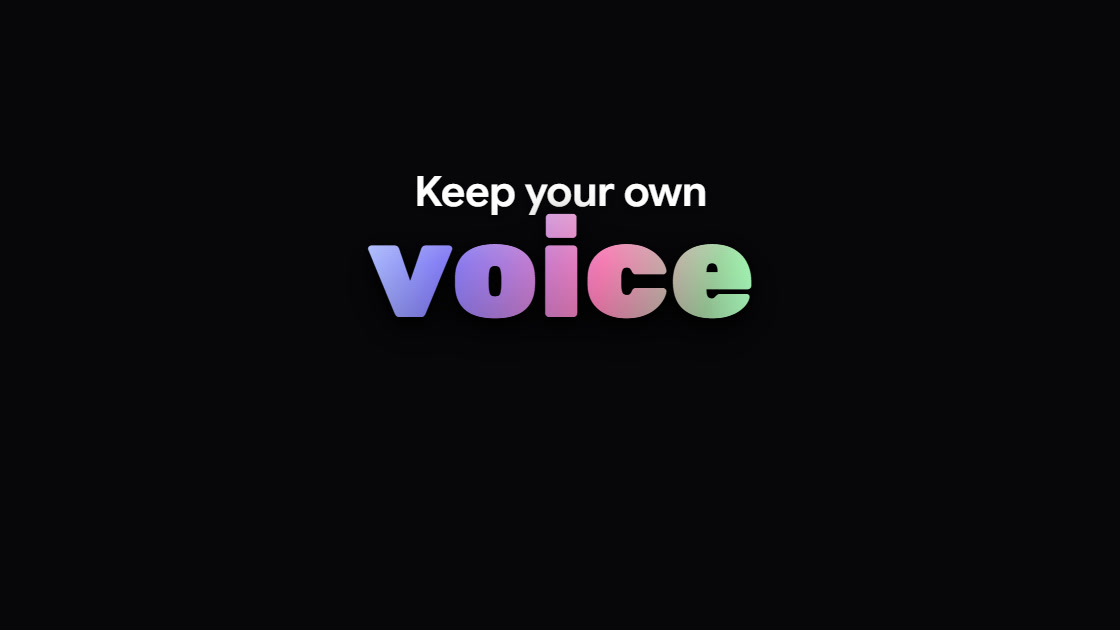
03 / On your timeline
Not a stack of MOGRTs. One transparent clip that plays back smoothly.
Change one word. Watch just that section update.
Timeline captions up to date
Word-level timing in 99+ languages.
Import the transcript Premiere already made, at no cost.
Your editor. Your timeline. One less app in the way.
Included with every version of Chat Video Pro.
Two ways in
You pay us for the panel. AI runs on your own fal.ai account and is billed by fal.ai at its price, only when you use it.
Own it forever
$199.99
AI usage billed separately.
Pay monthly
$24.99/mo
AI usage billed separately.
Cancel anytime · No refunds
7-day money-back on the Chat Video Pro license. Downloadable add-ons are not refundable, and AI usage is billed by fal.ai, not by us.
Captions are also included in Base. See all plans →Compare all access options →7-day money-back on the Chat Video Pro license. Downloadable add-ons are not refundable, and AI usage is billed by fal.ai, not by us.
Chat Video Pro
Creator Pass $24.99/mo