Download Chat Video Pro
Check your email → open your receipt → click View Order. From there, download:
- Chat Video Pro Installer (.zxp file)
- aescripts + aeplugins ZXP Installer (Mac or Windows)
You're in
Watch the setup video below to activate your AI editing copilot.
Watch this first
Follow along inside Premiere Pro — install, sign in, and run your first AI workflow with the team.
Quick setup
Install, sign in, generate, and connect — most editors are running in under 15 minutes. Need the full install walkthrough? Read how to install an AI plugin in Premiere Pro (2026).
Check your email → open your receipt → click View Order. From there, download:
Open the aescripts + aeplugins ZXP Installer

A) Activate Your LicenseCopy your license key from your receipt → paste → Next.
B) Create Your FAL Key
Chat Video Pro Base covers the edit. Voiceover Lab, SFX Studio (with Foley mode), Music Composer, and Stem Separation are a one-time add-on — every result lands as real audio on your timeline, no exports.
Your AI editing copilot is fully activated. You now have:
 +
+Just ran a batch select pass on a 2hr podcast and it found every single hook perfectly. Saved me so much time.
Awesome to hear! The new Seedance integration is dropping later today too. Keep an eye on announcements 👀
Documentation
Explore the official documentation and become a power user.
Swipe →
Bought the Expansion Kit?
Two short walkthroughs showing how to install and use the Expansion Kit project folder template and export presets inside Premiere.
Swipe →
Our team monitors Discord daily and replies to email within one business day.
When you're ready
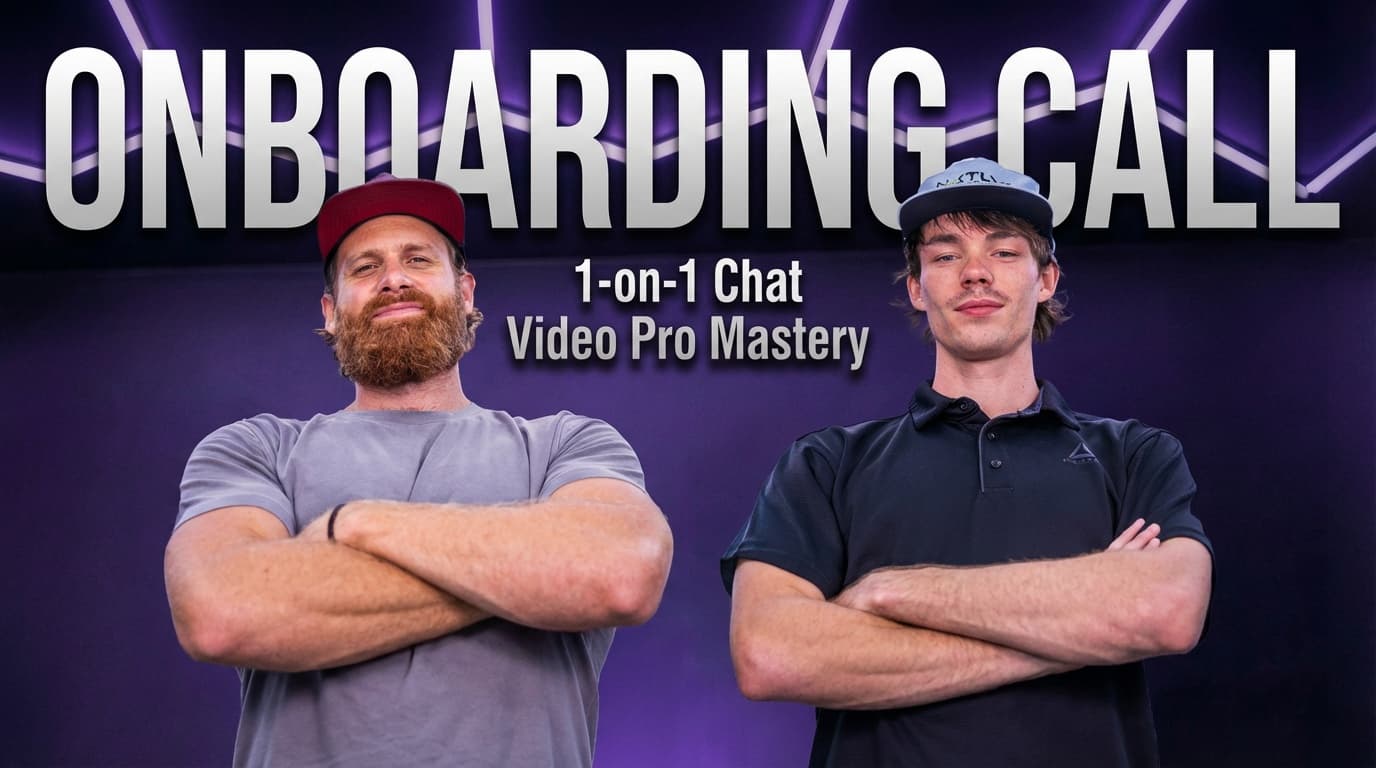
You just unlocked a powerful tool. A Founder Onboarding Session gets you running in 60 minutes — custom workflow, your niche, inside your Premiere timeline. No trial and error.
Add a Founder Session — $297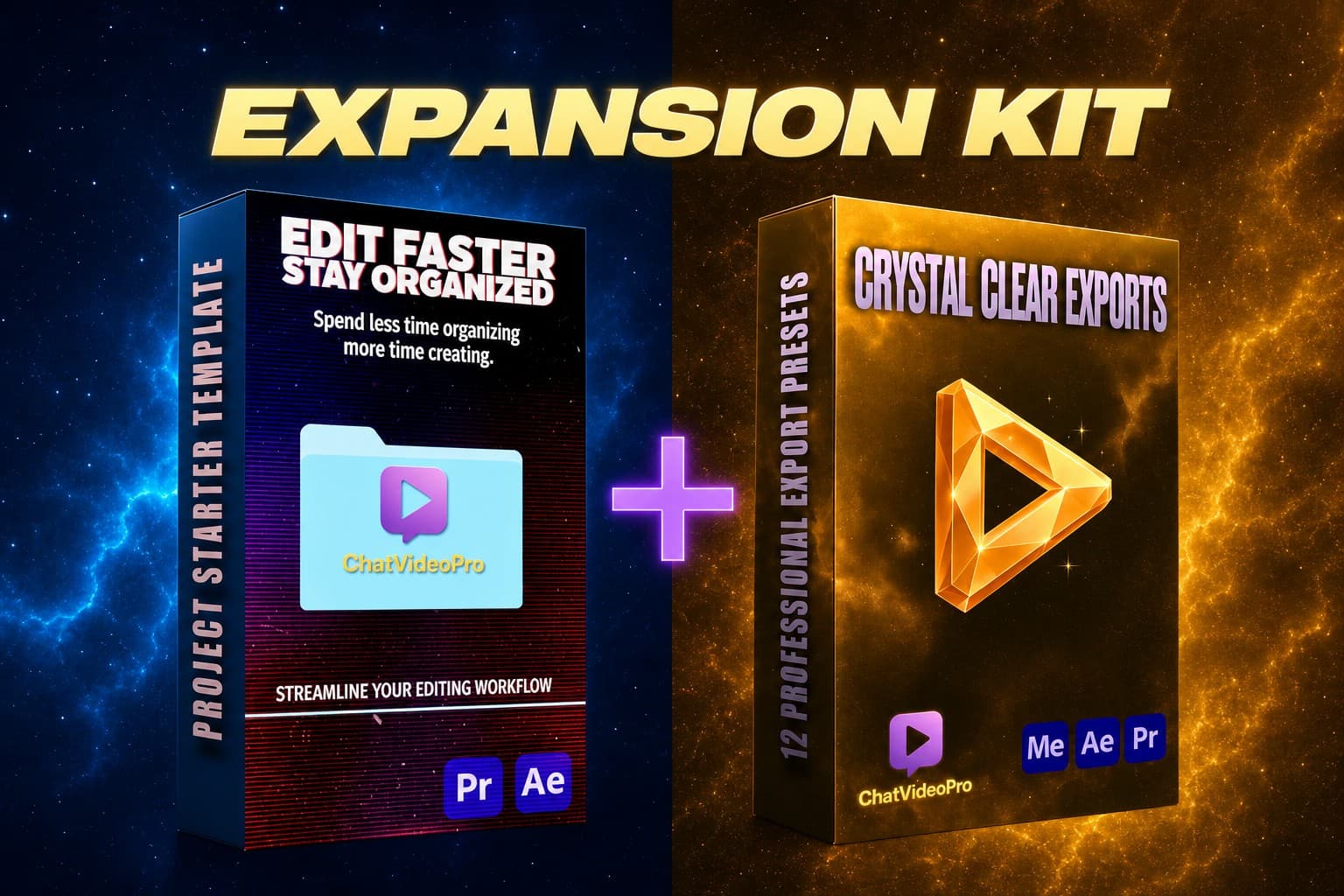
(Assets add-on)
The downloadable asset kit — project folder template, 12 export presets, and 250 cinematic LUTs. Pure assets; no audio workflows.
Get the Expansion Kit →